AI-Baccarat Installation Guide
1
Create an AI-Baccarat Account
Create one account for the entire AI-Baccarat ecosystem.
Create an AI-Baccarat Account
Create one account for the entire AI-Baccarat ecosystem.
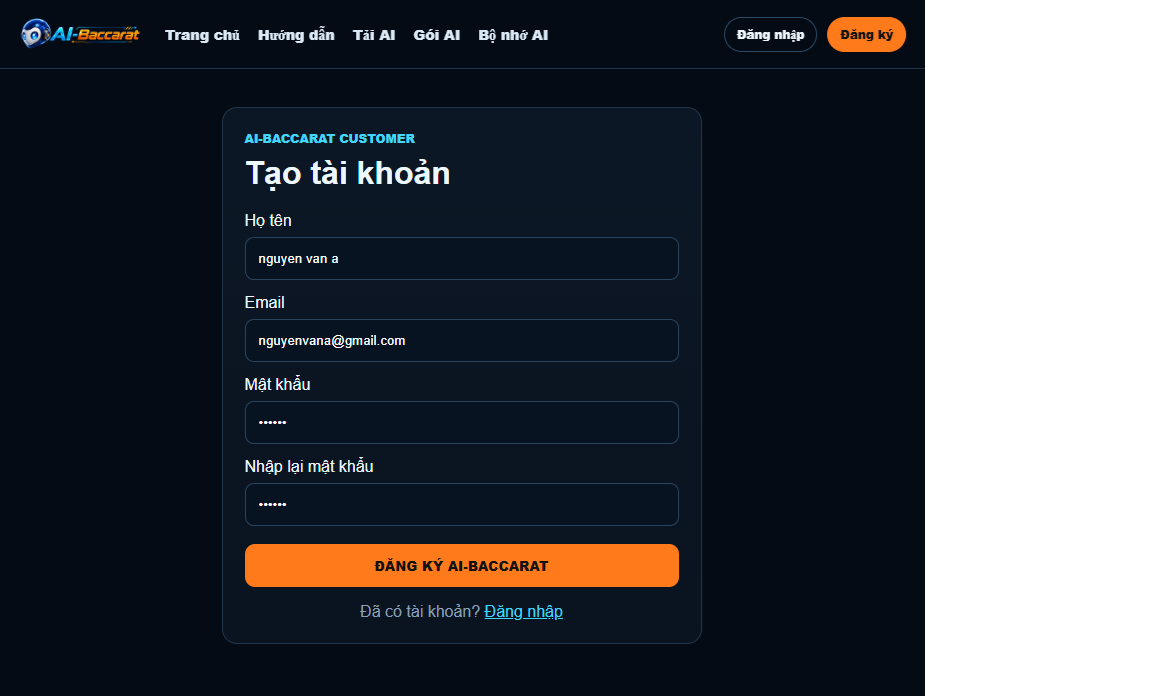
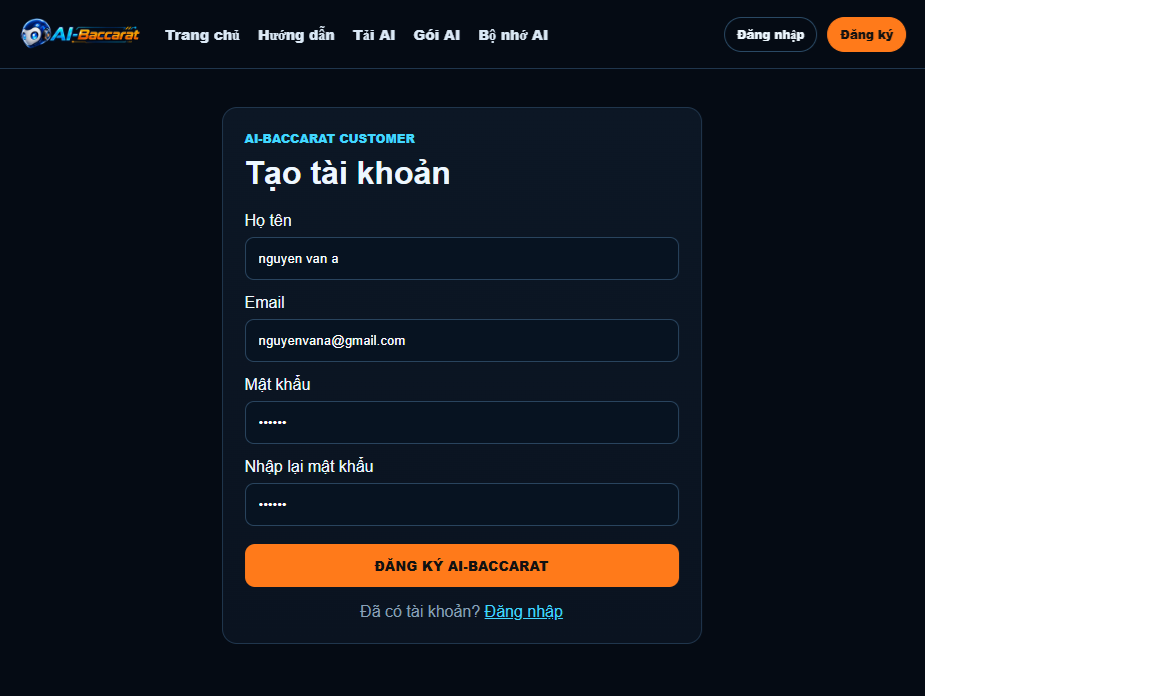
1. Create an account
Visit the AI-Baccarat website and select Register.
Enter your email and password, then complete account creation.
One account can be used for the Windows version and other supported platforms in the future.
Suggested illustration: screenshot of the registration page and Register button.


▶ **HƯỚNG DẪN CÀI ĐẶT AI BACCARAT77 TỪ A ĐẾN Z – 2026**
2
Download AI-Baccarat
Download the latest Windows version from the official website.
Download AI-Baccarat
Download the latest Windows version from the official website.
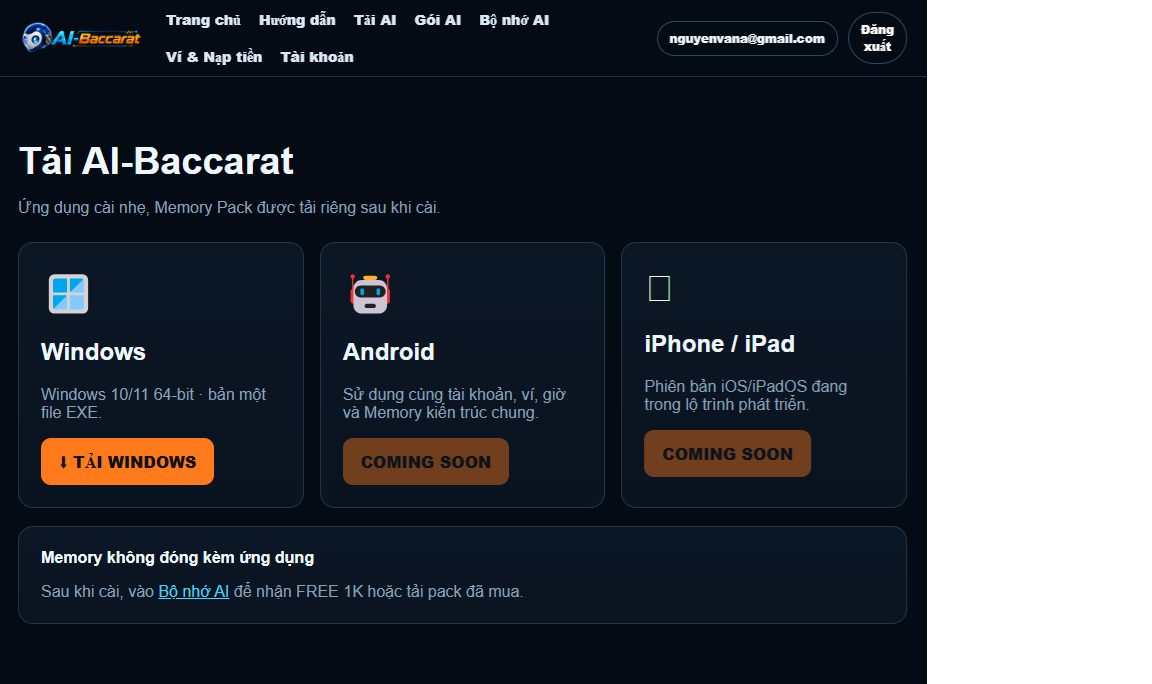
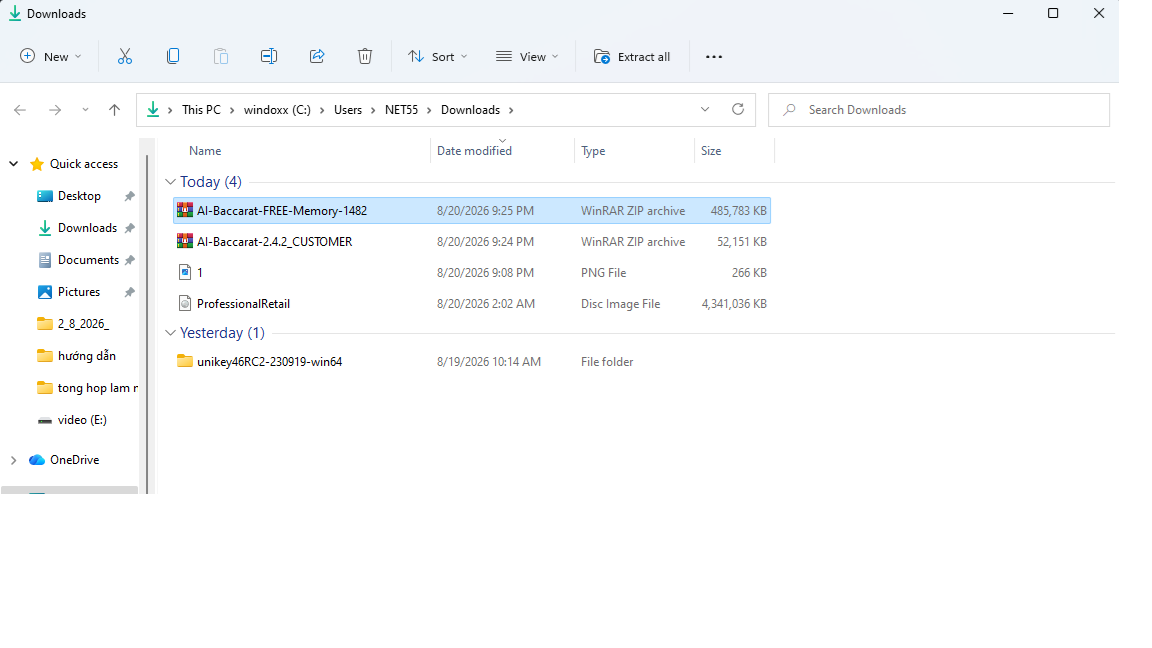
2. Download AI-Baccarat
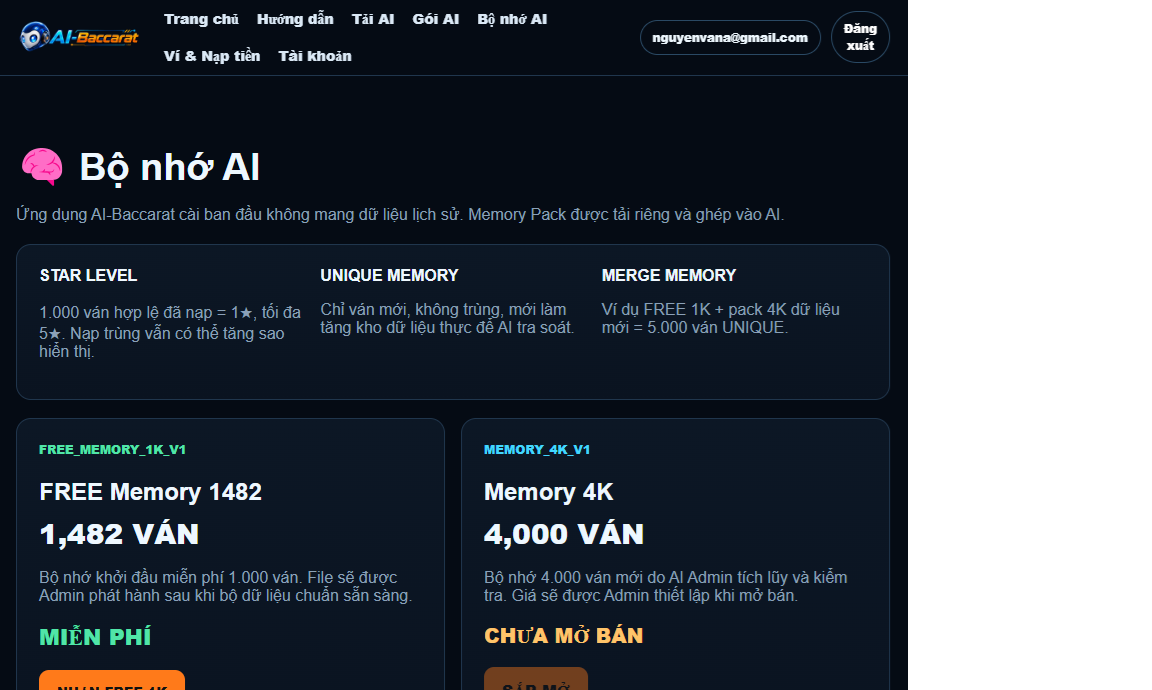
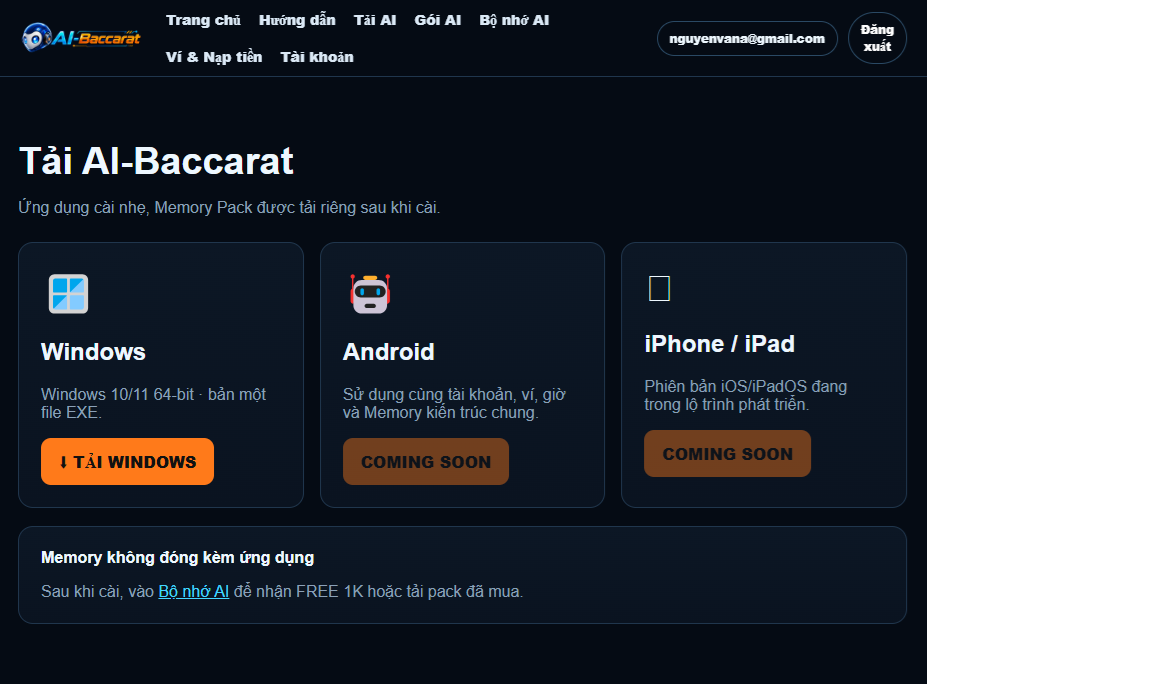
On the website, select Download AI.
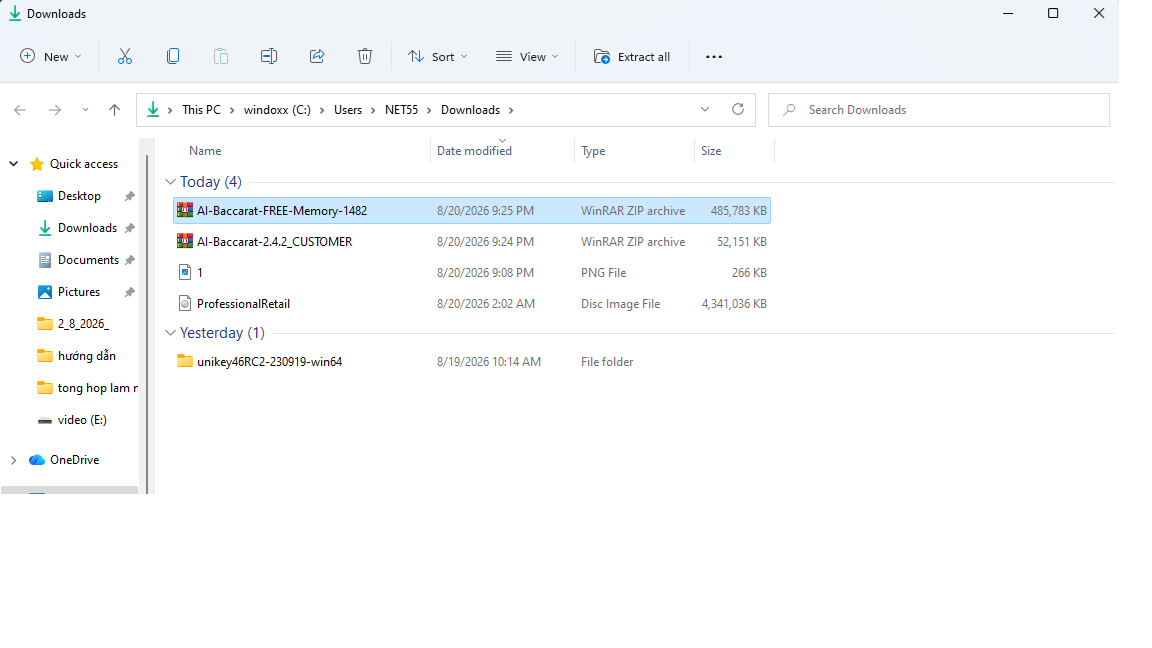
Download the latest Windows ZIP package to your computer.
Save it in an easy-to-find folder such as Downloads or Desktop.
Suggested illustration: the Download AI button and the downloaded ZIP file.
▶ **HƯỚNG DẪN CÀI ĐẶT AI BACCARAT77 TỪ A ĐẾN Z – 2026**
3
Extract the ZIP File
Extract the downloaded package before running the application.
Extract the ZIP File
Extract the downloaded package before running the application.
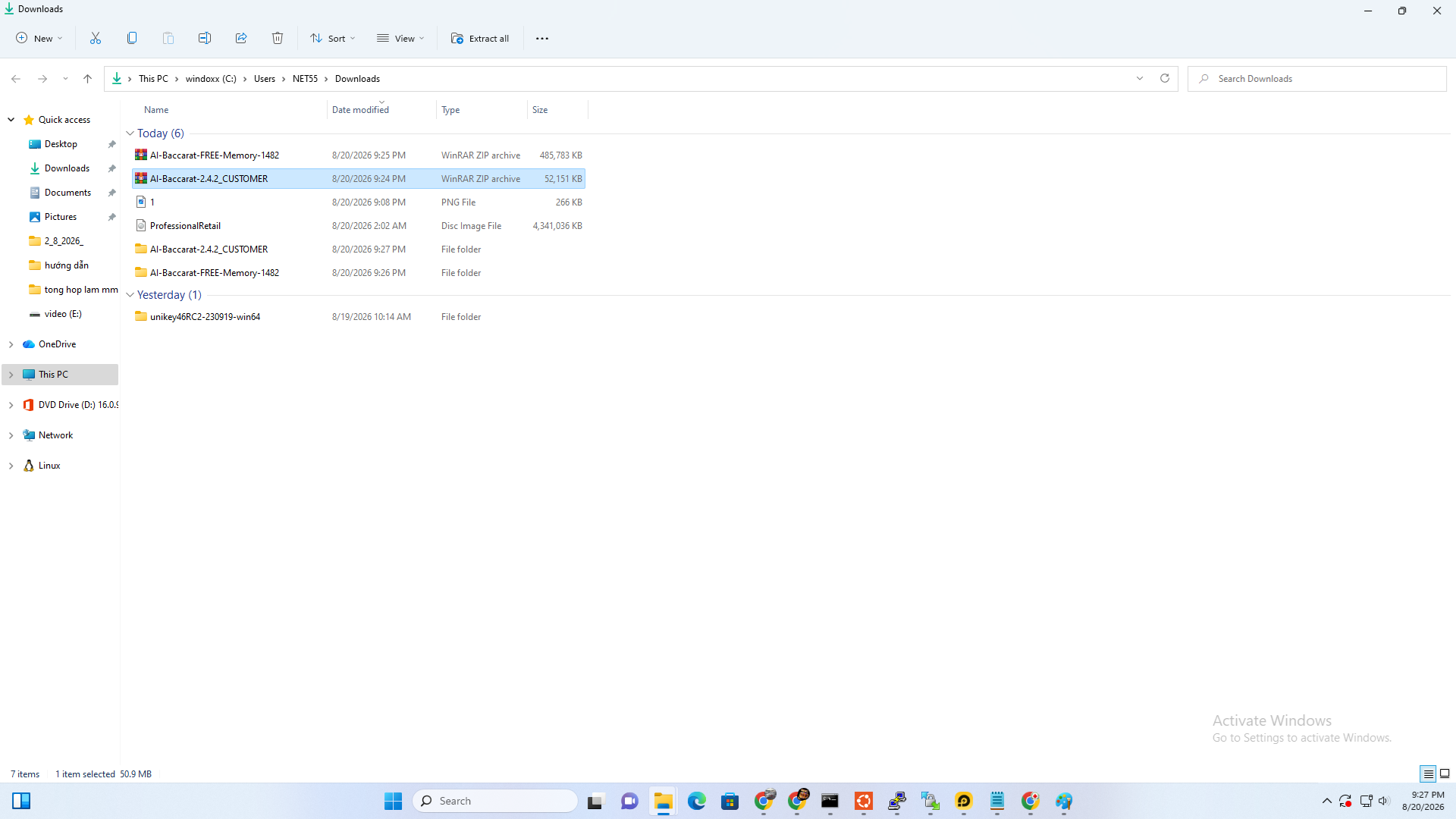
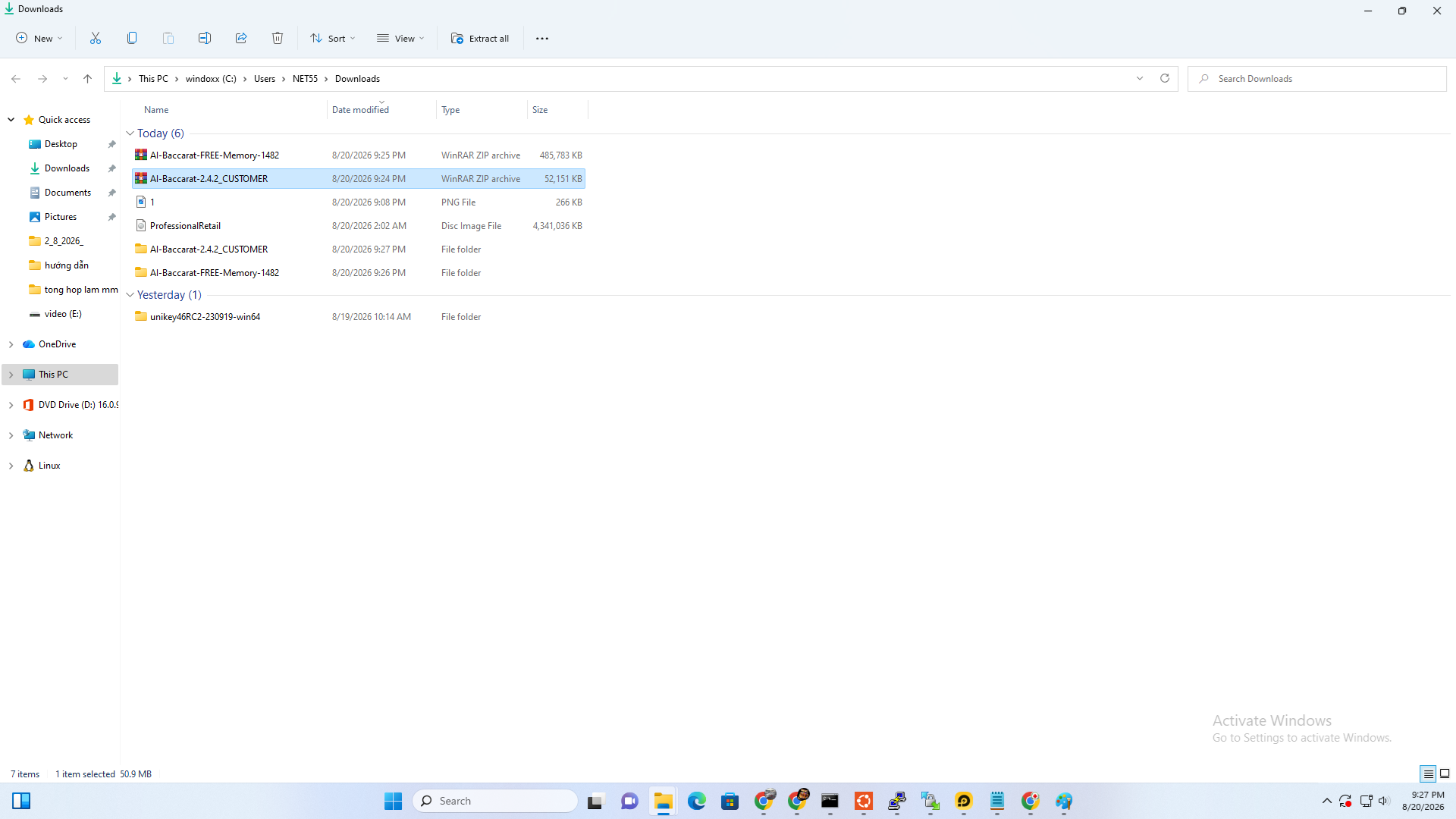
3. Extract the ZIP file
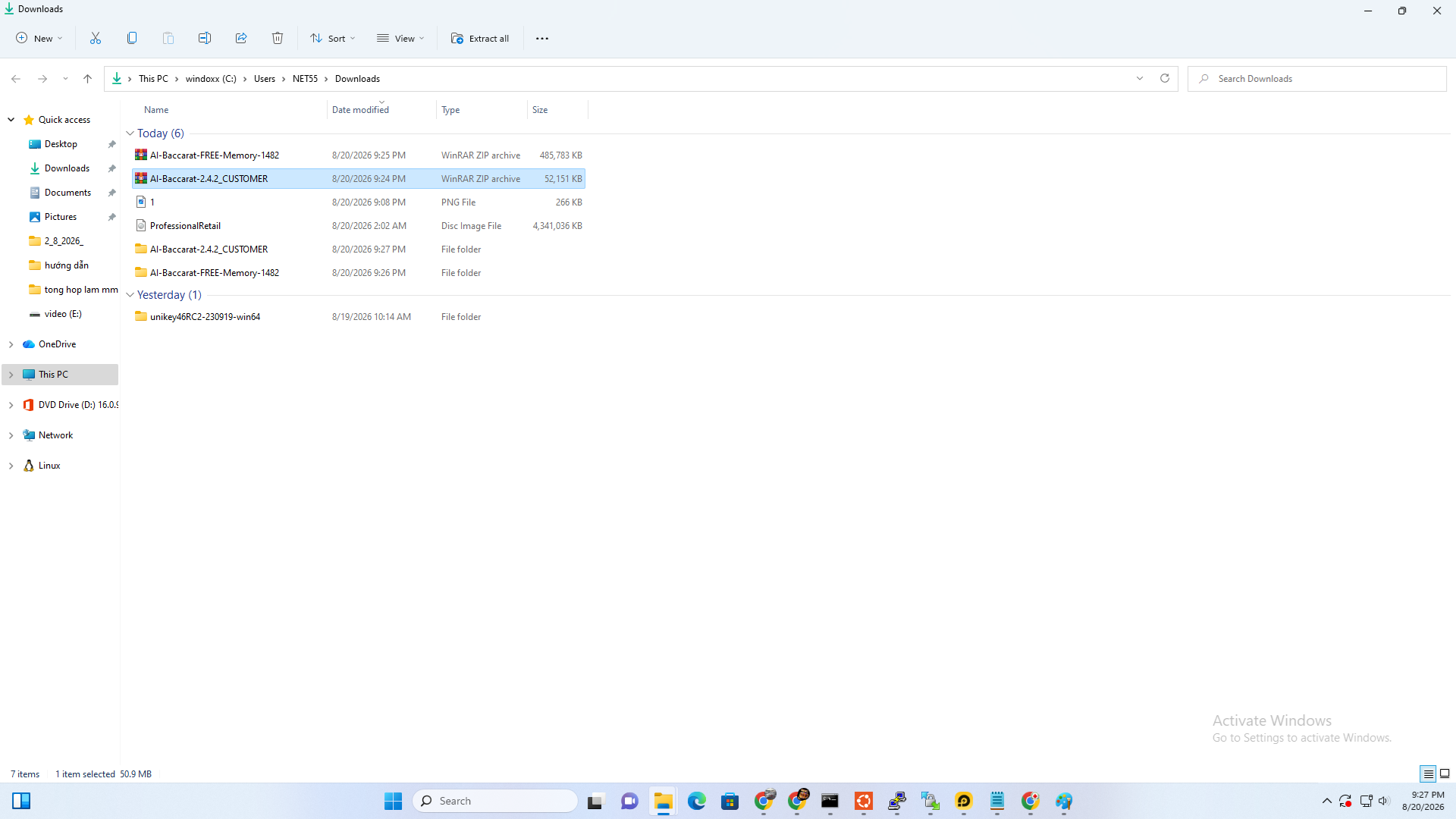
Right-click the downloaded ZIP file.
Select Extract All.
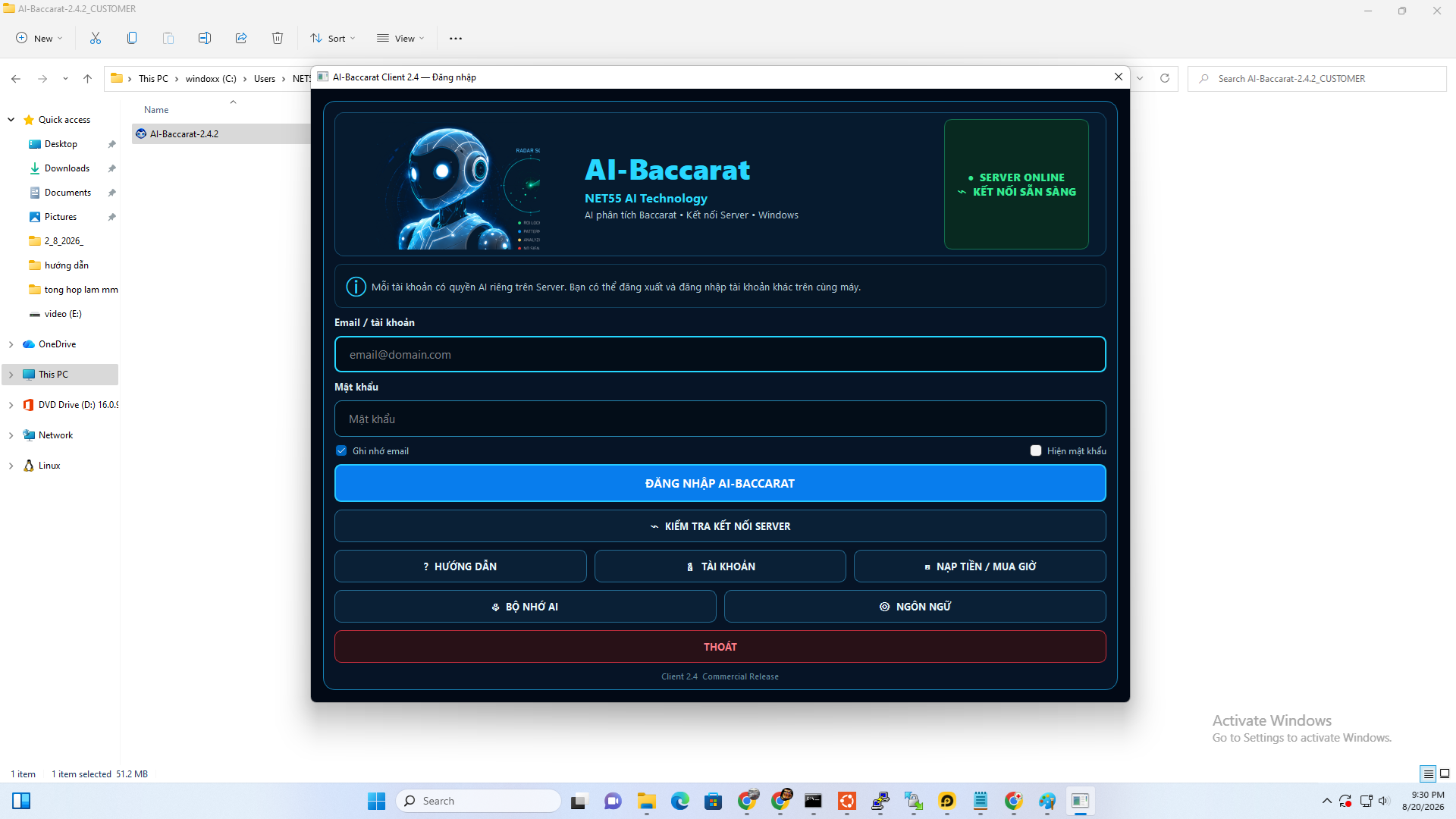
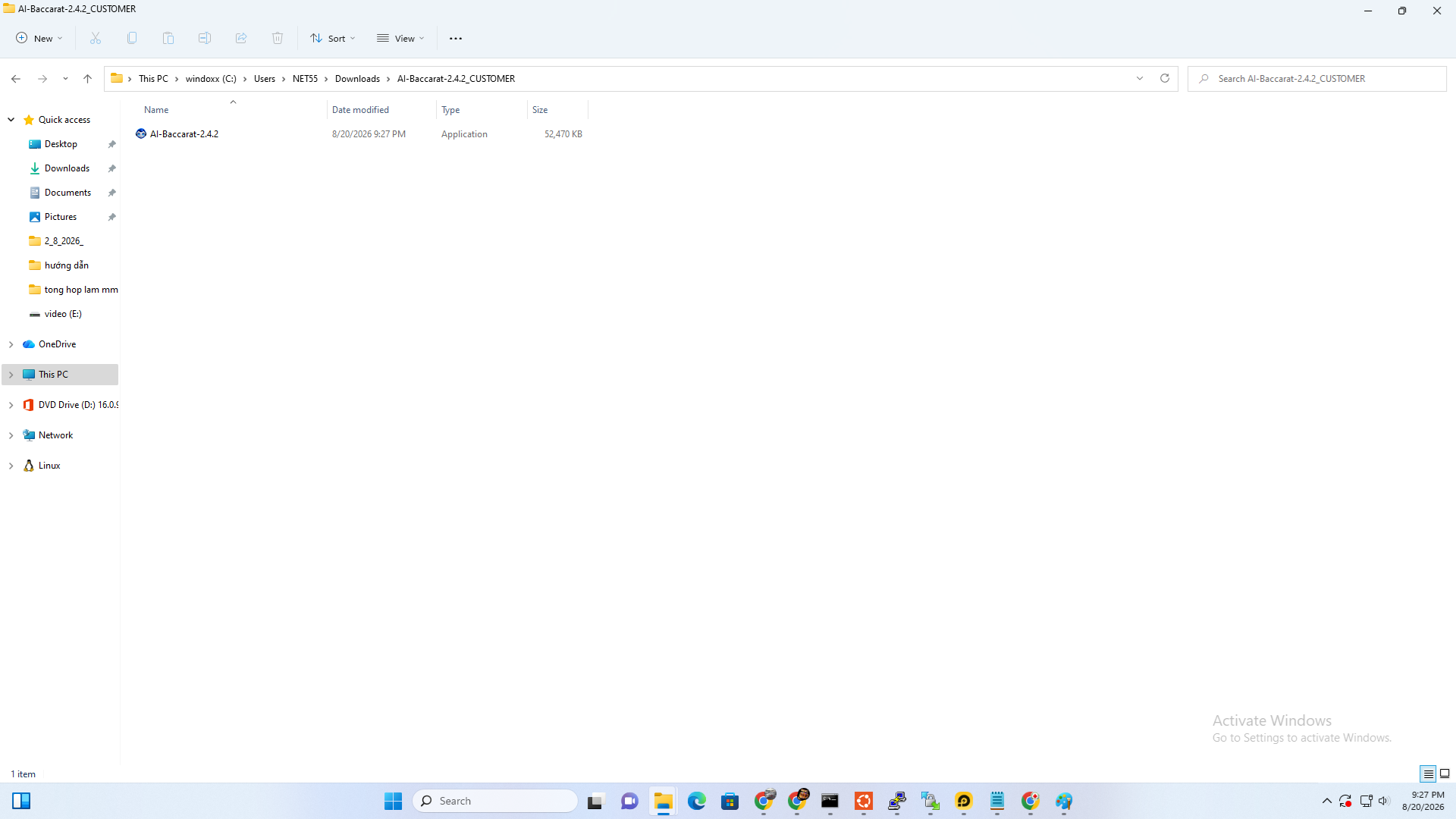
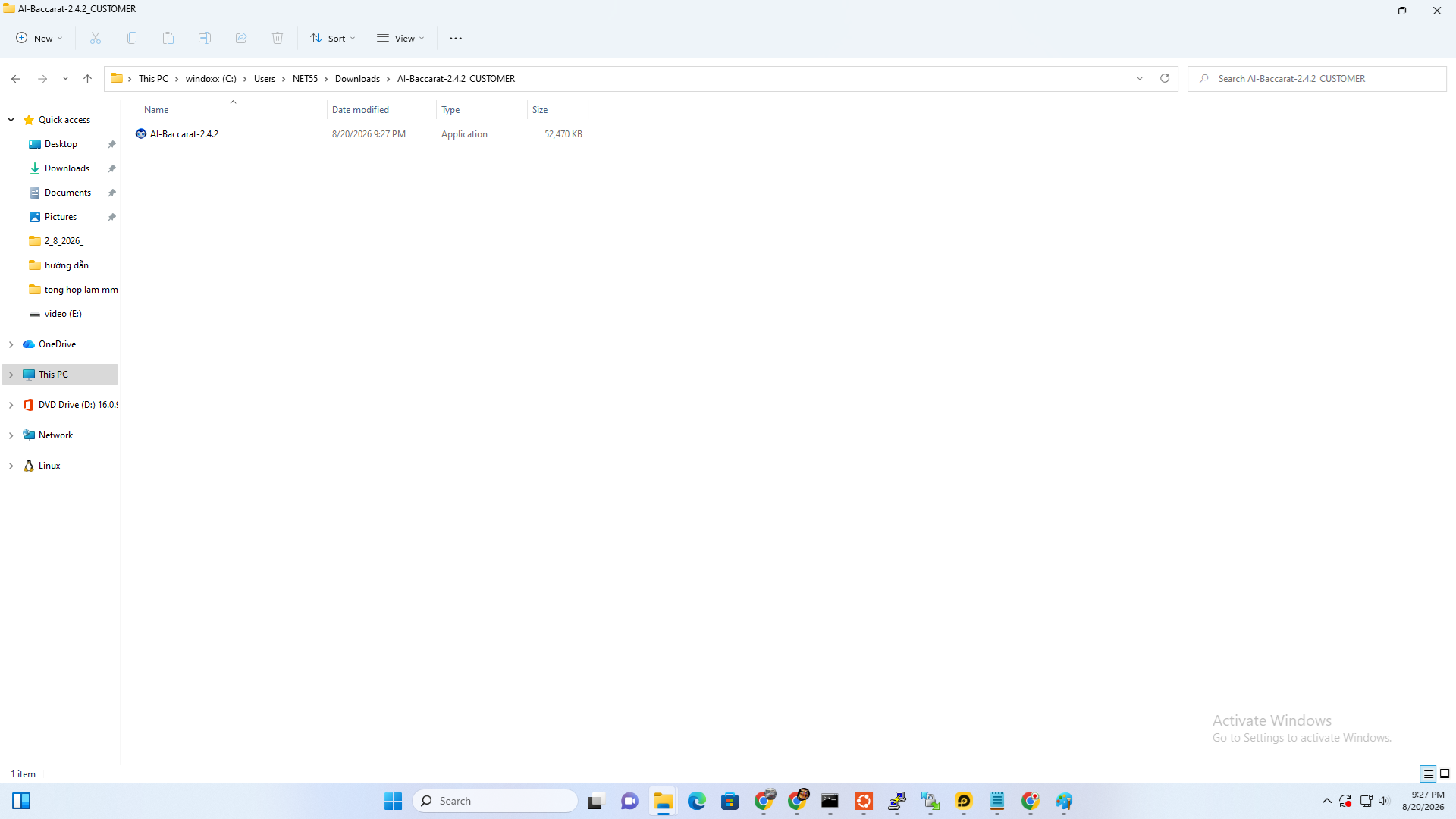
After extraction, you will find AI-Baccarat-2.4.2.exe inside.
Do not run the application directly from inside the ZIP archive.
▶ **HƯỚNG DẪN CÀI ĐẶT AI BACCARAT77 TỪ A ĐẾN Z – 2026**
4
Handle the Windows SmartScreen Warning
How to open the application when Windows SmartScreen appears.
Handle the Windows SmartScreen Warning
How to open the application when Windows SmartScreen appears.
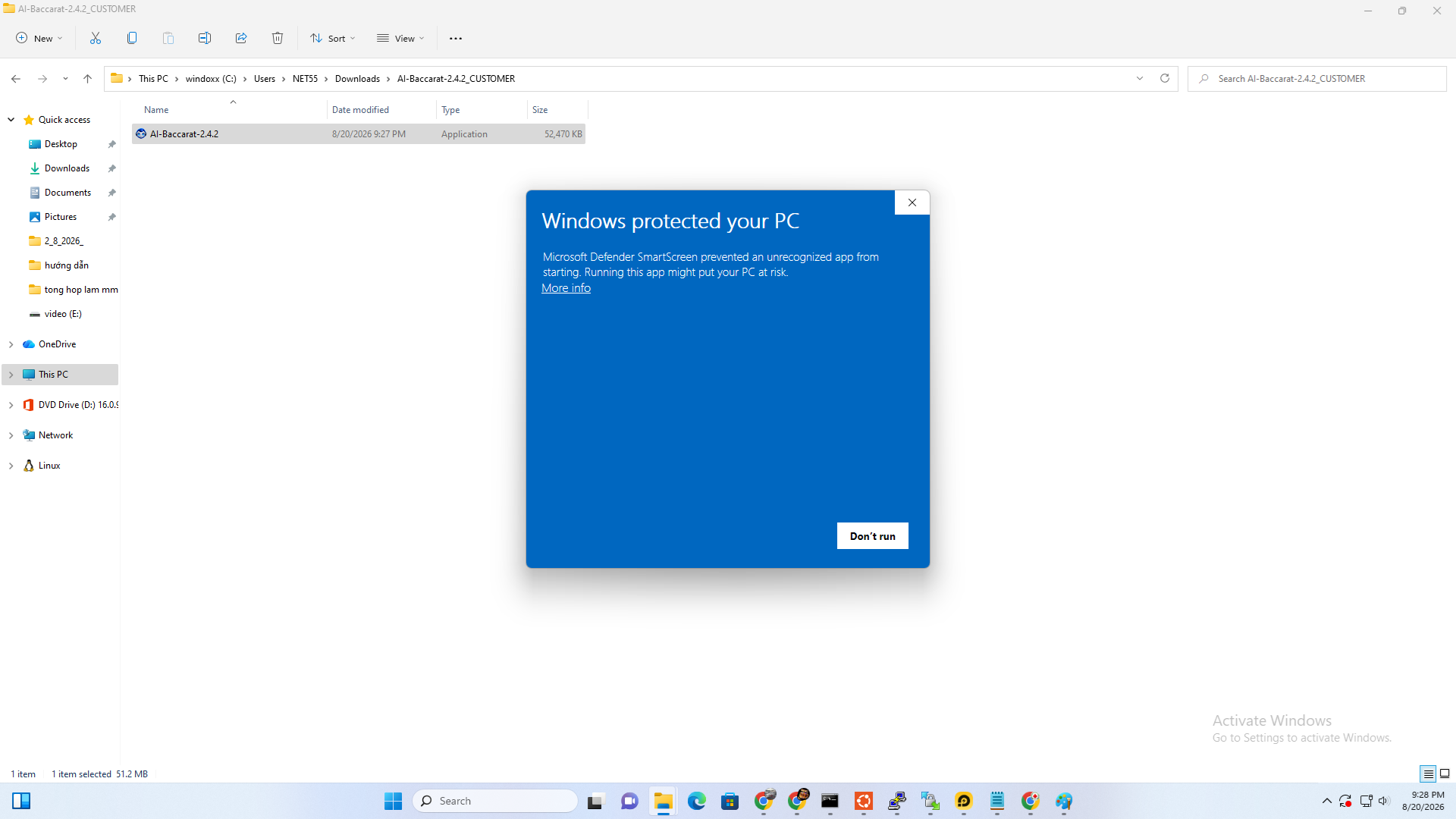
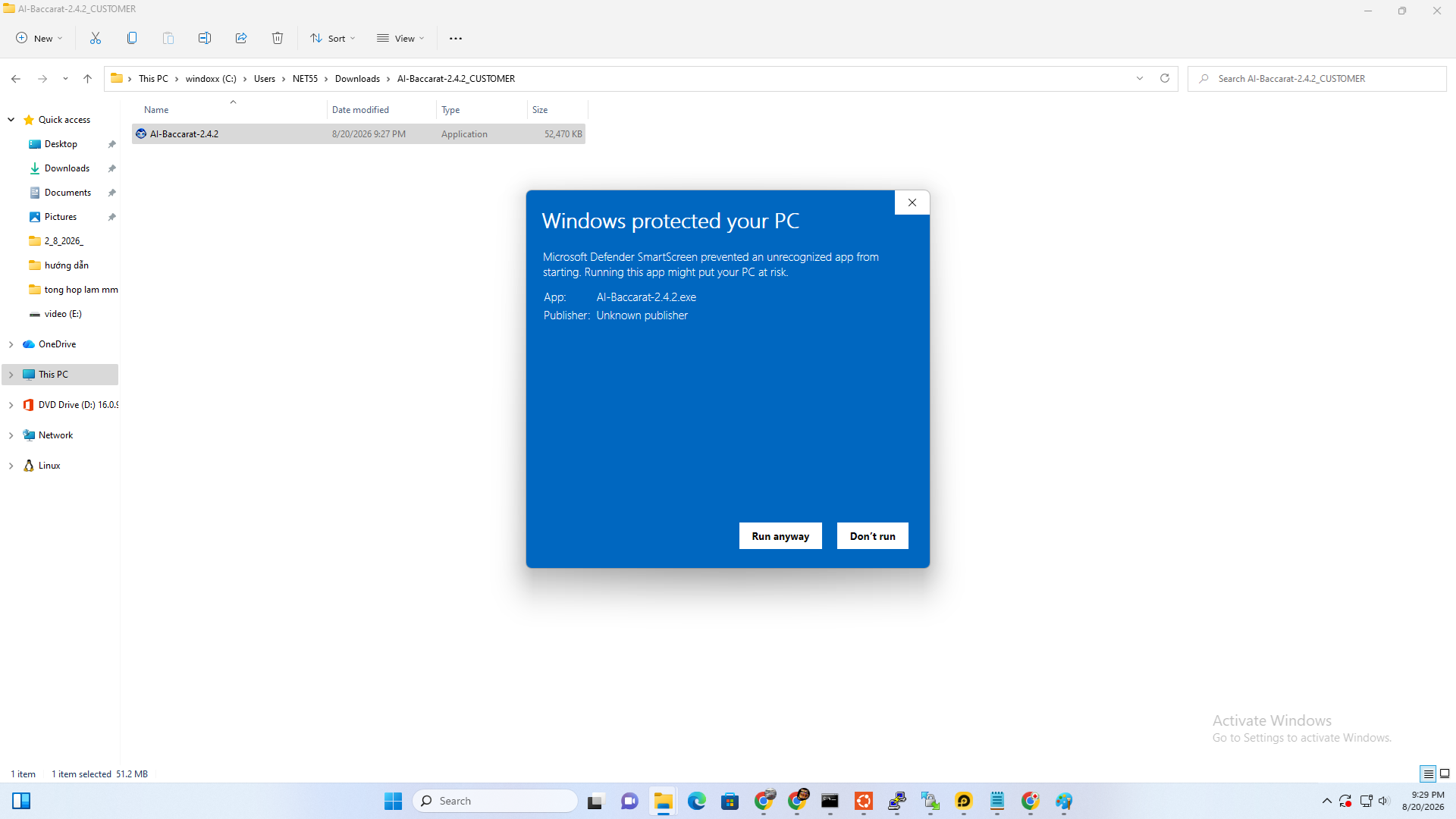
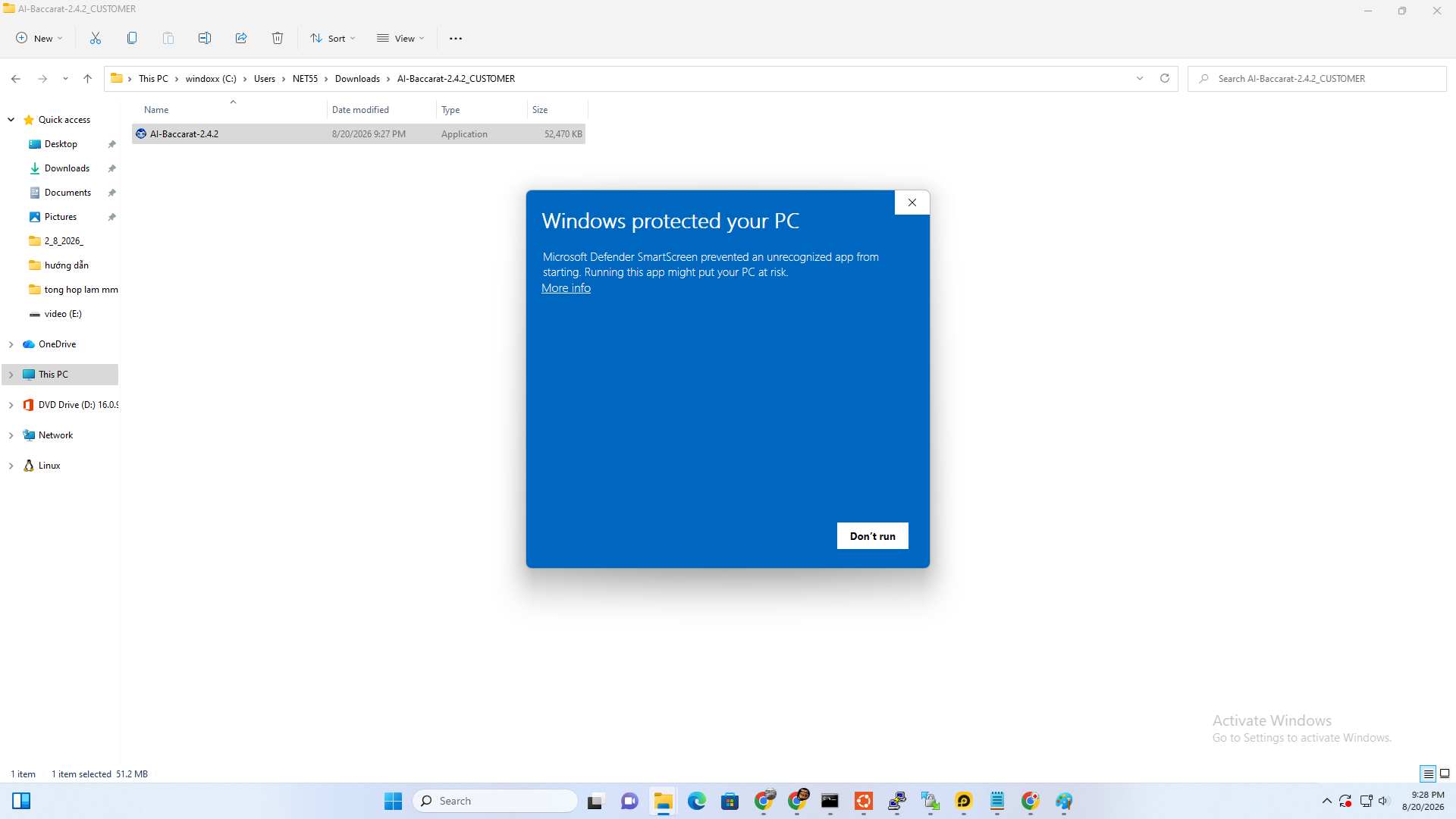
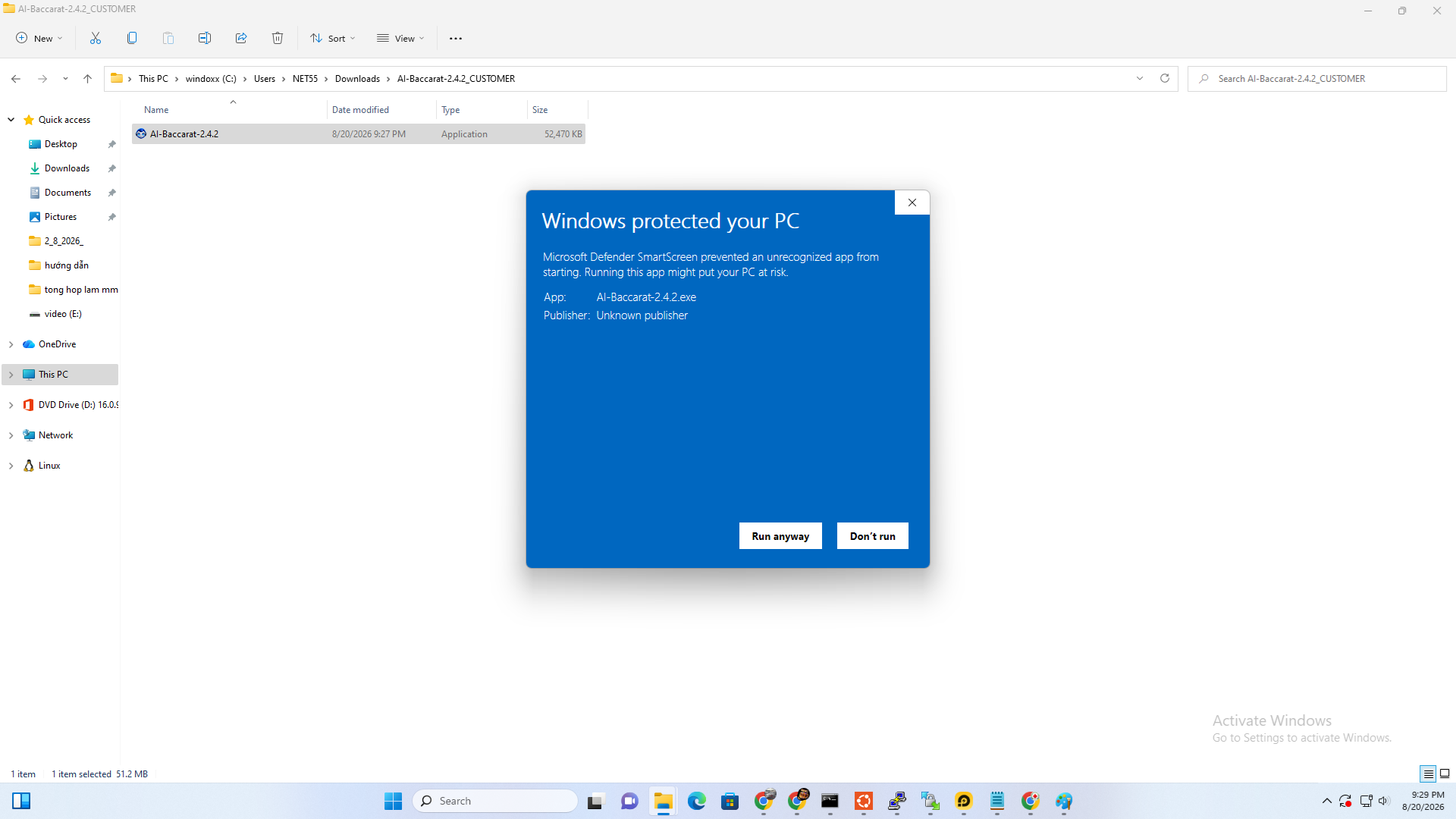
4. Windows SmartScreen
When AI-Baccarat is opened for the first time, Windows may display Windows protected your PC.
Select More info.
Then select Run anyway to start the application.
This warning commonly appears for applications that do not yet use a commercial code-signing certificate.
Suggested illustration: Windows protected your PC and the Run anyway button.
5
Log In to AI-Baccarat
Use the account registered on the website to log in to the application.
Log In to AI-Baccarat
Use the account registered on the website to log in to the application.
5. Log in
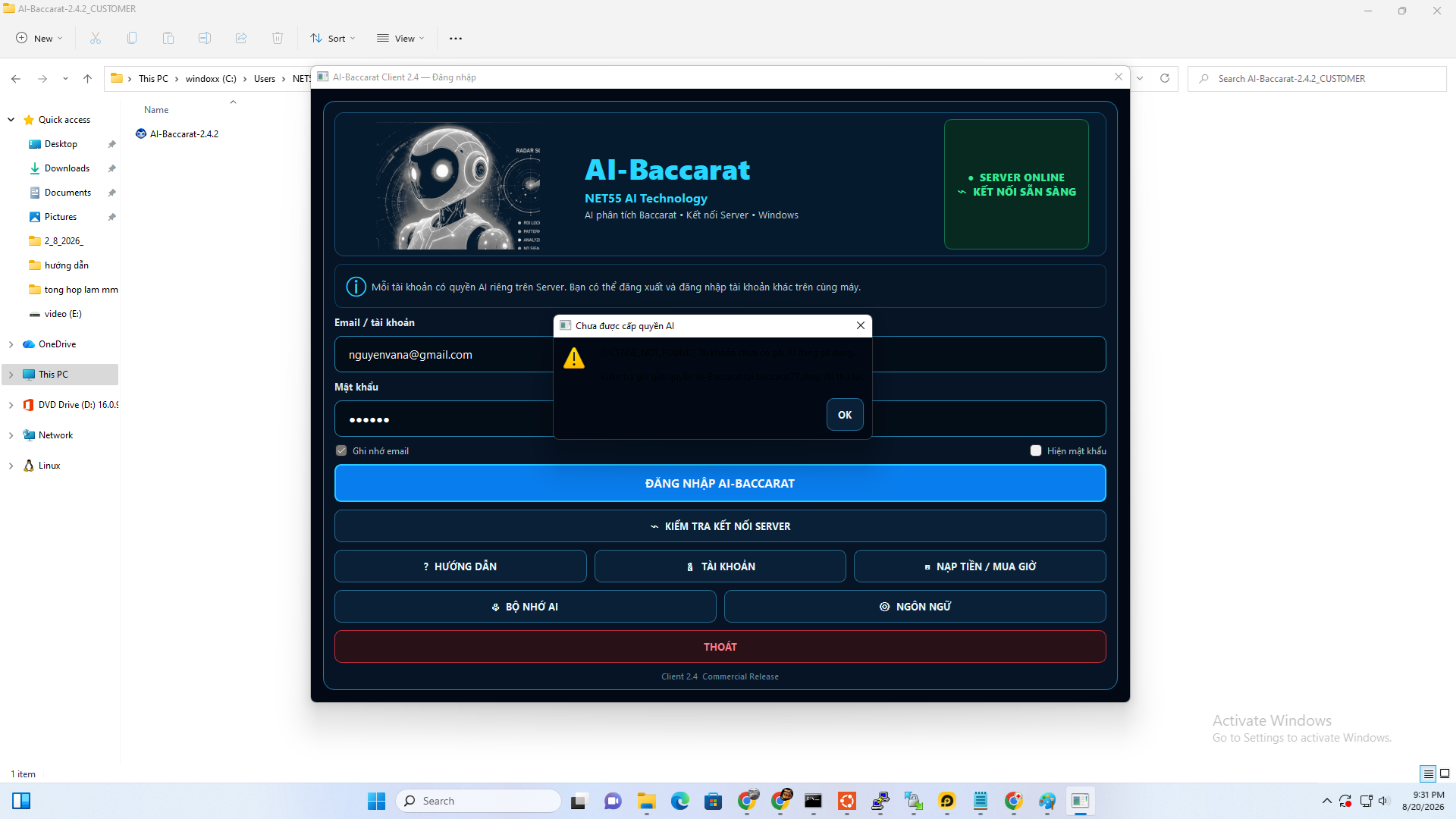
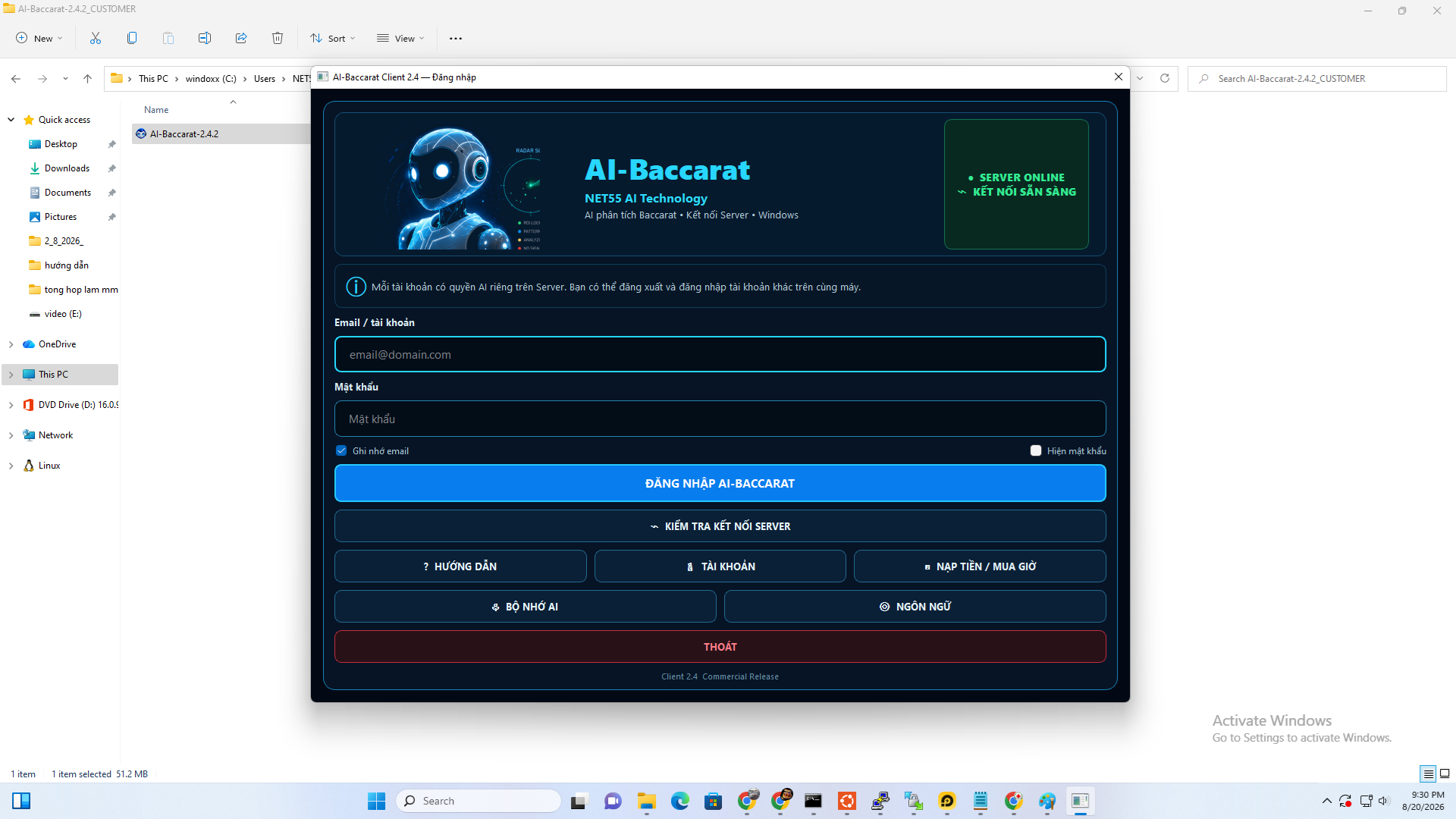
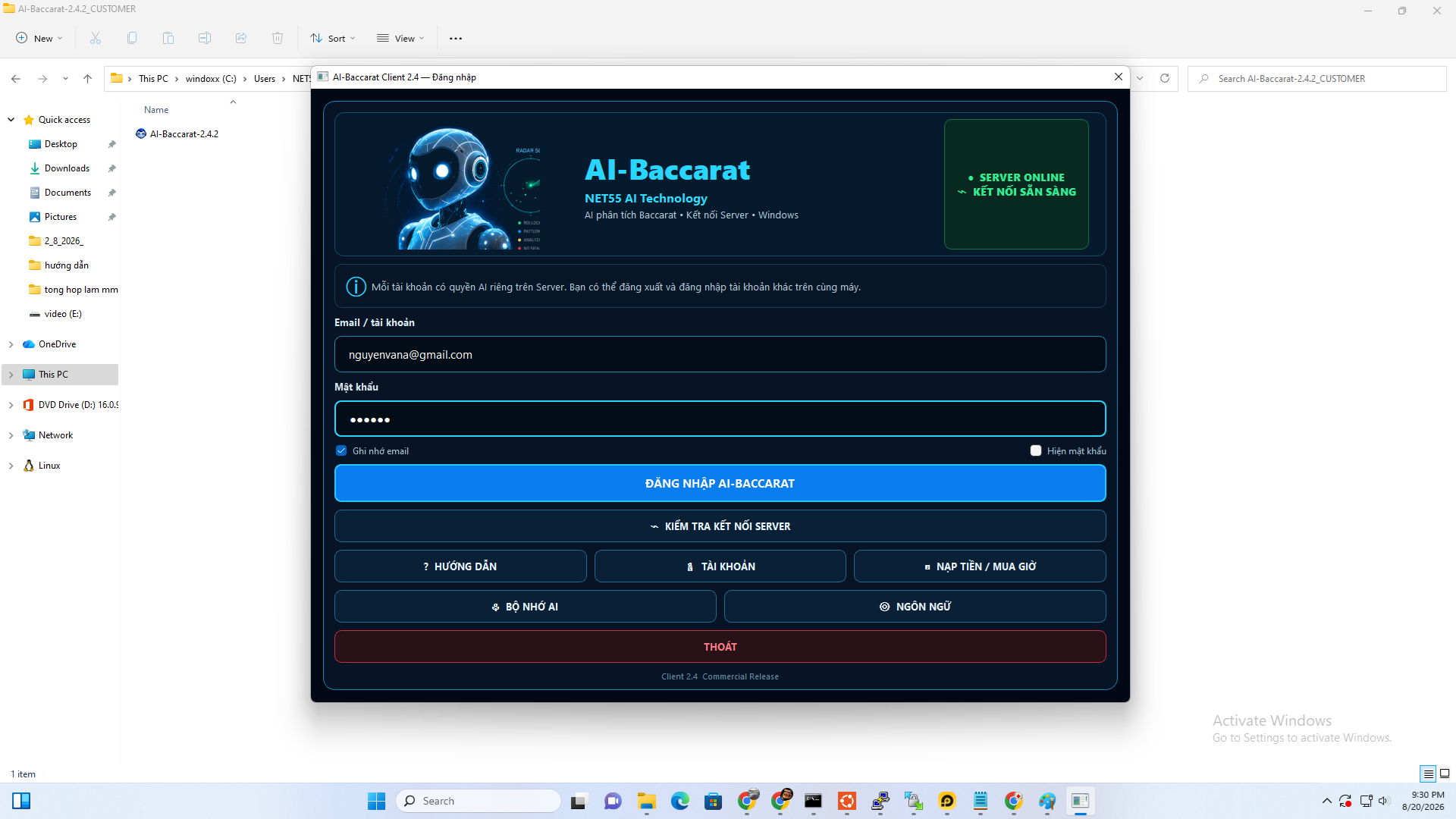
Open AI-Baccarat.
Enter the email and password registered on the website.
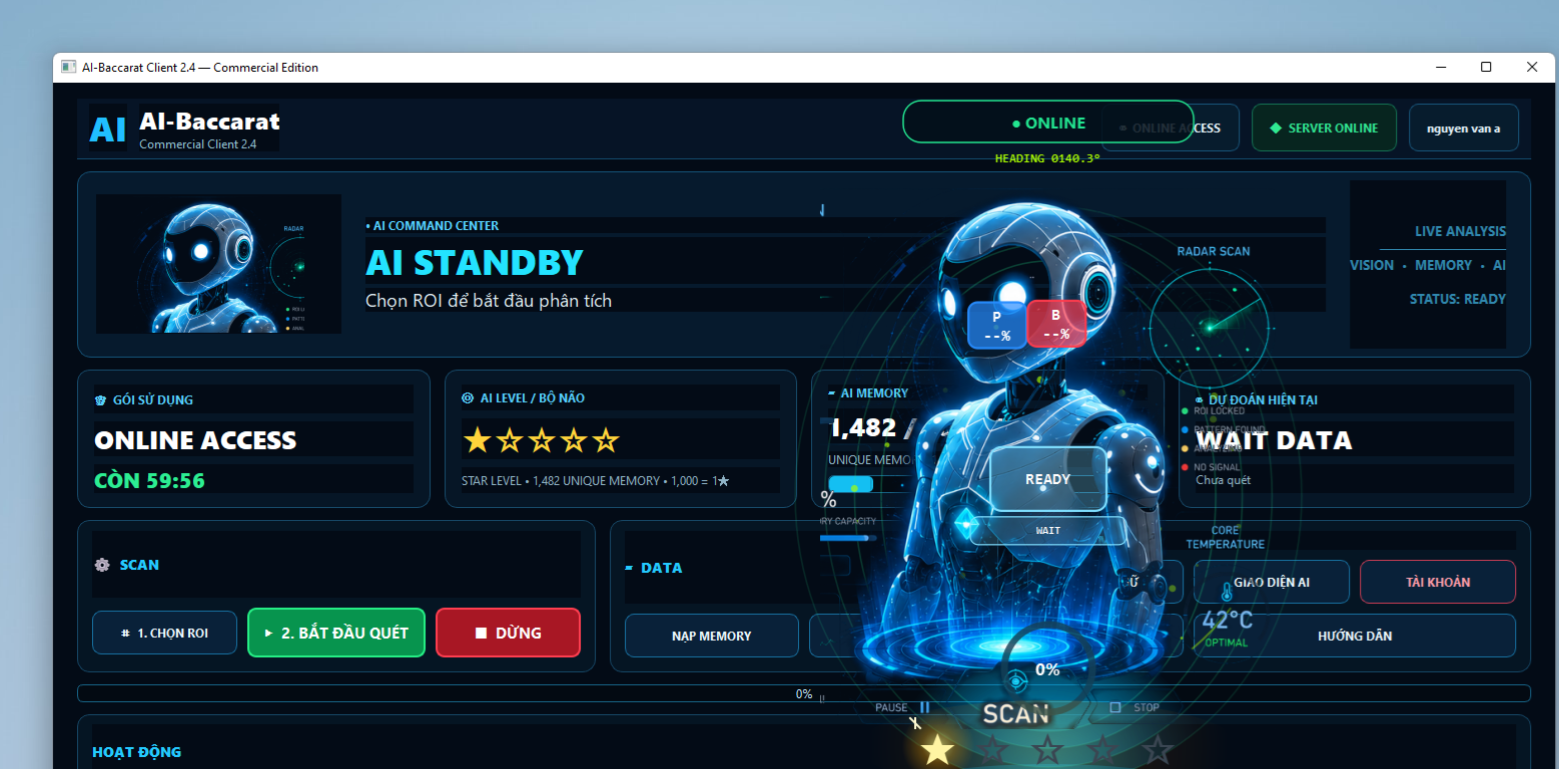
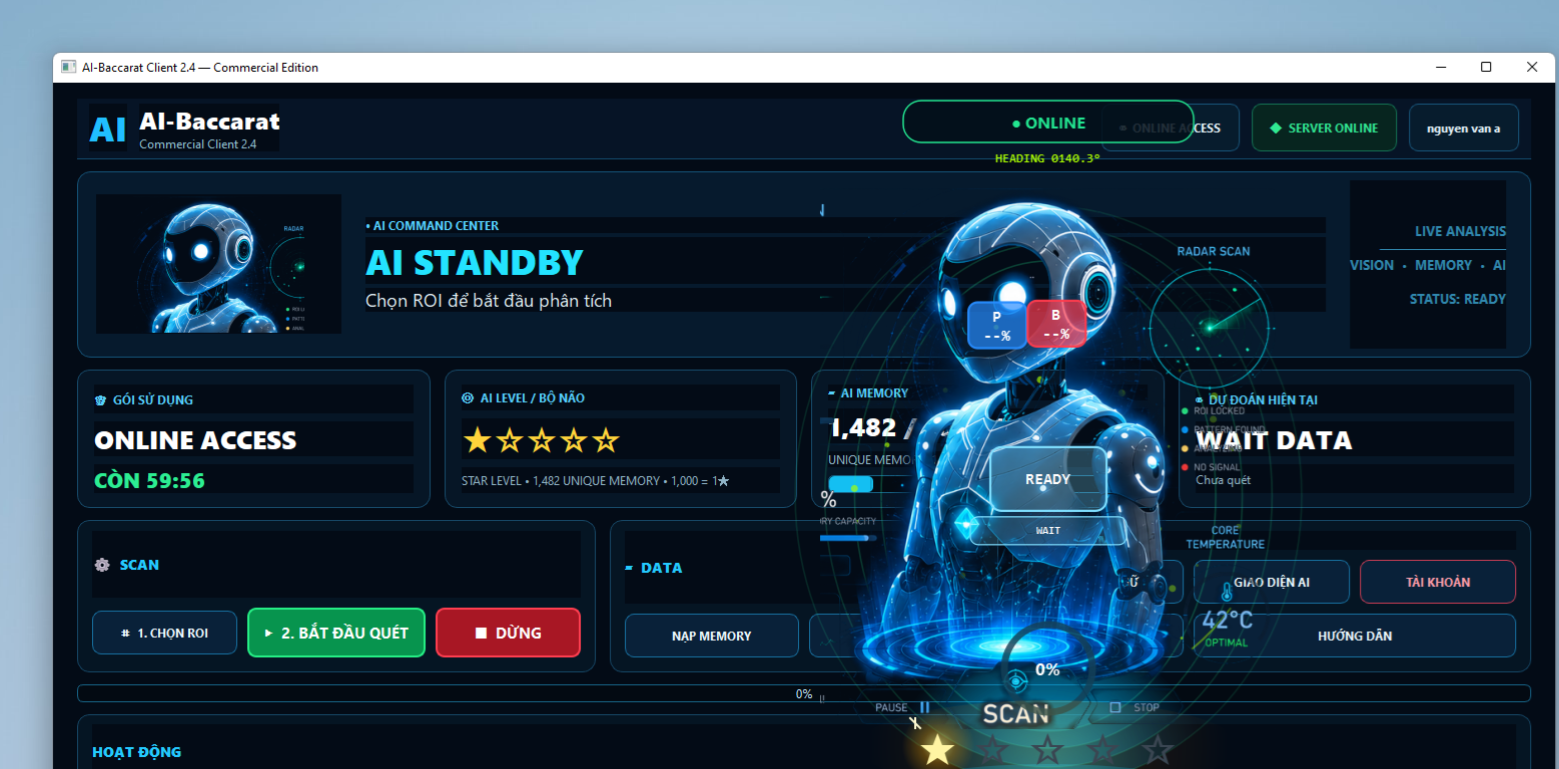
After a successful login, the application will display ONLINE and connect to the system.
6
Top Up Your Wallet
Add wallet balance to purchase AI usage time.
Top Up Your Wallet
Add wallet balance to purchase AI usage time.
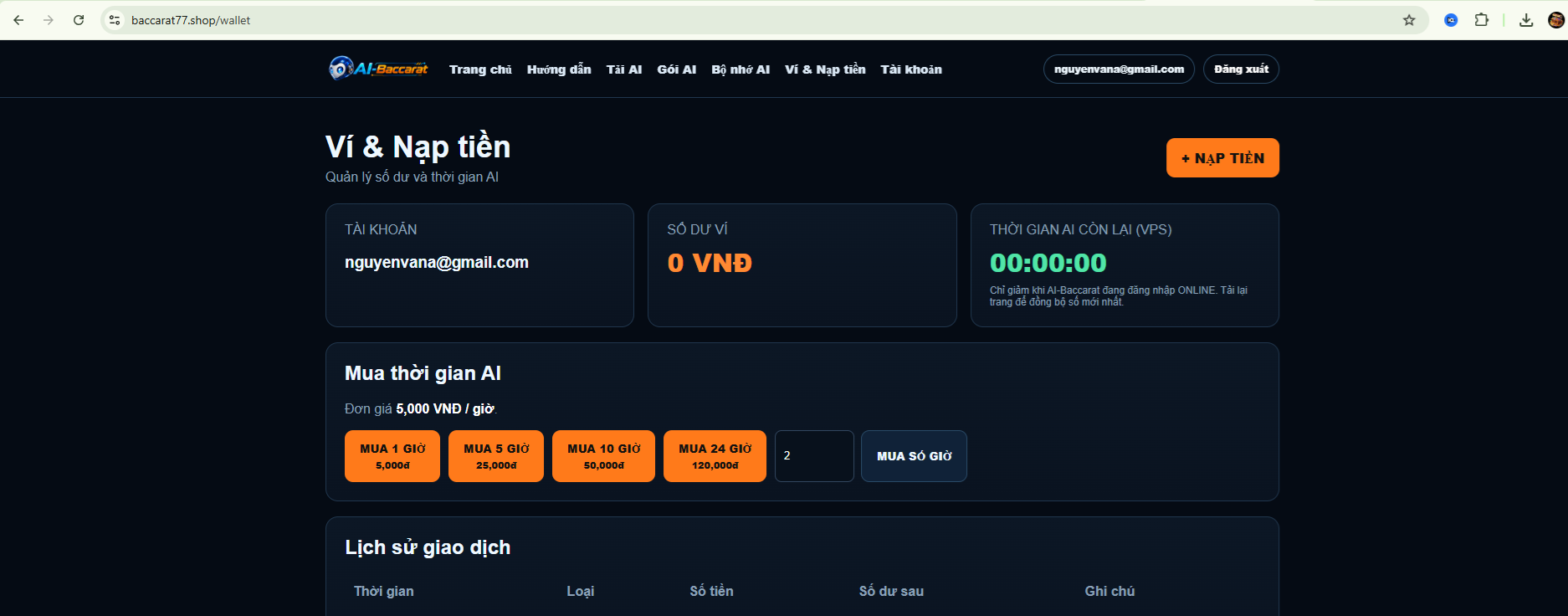
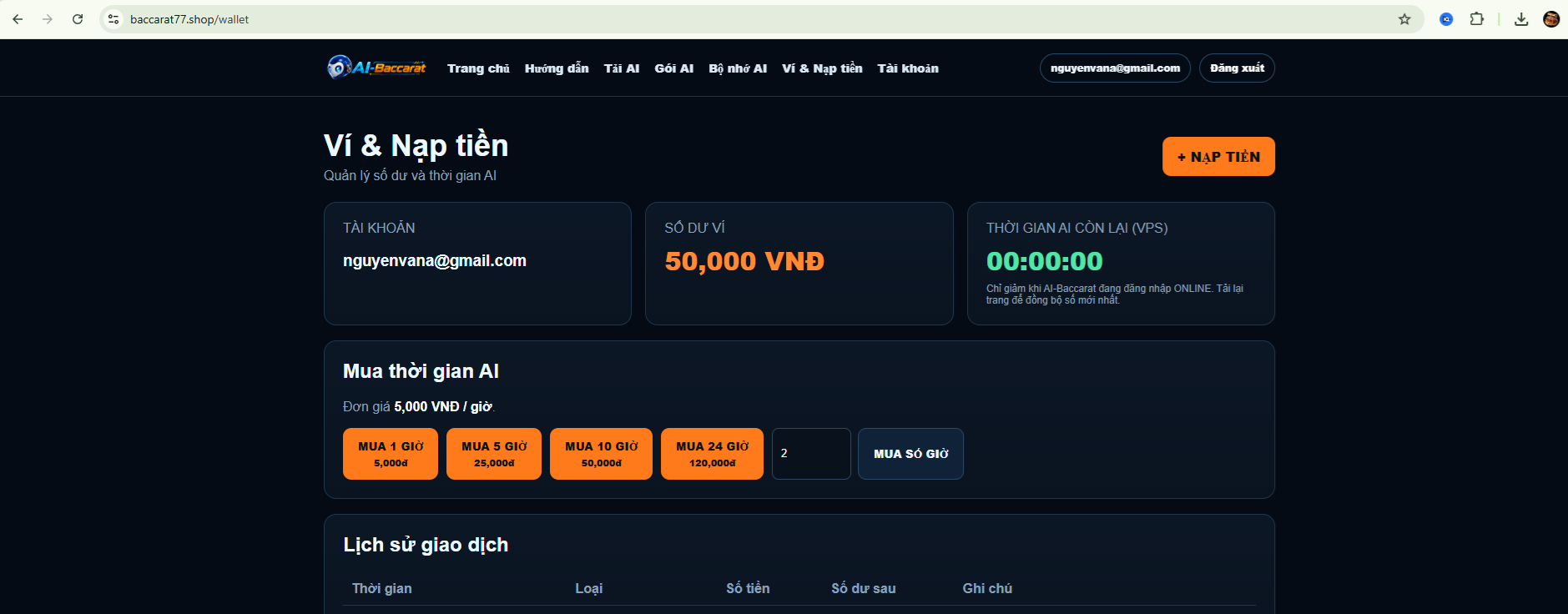
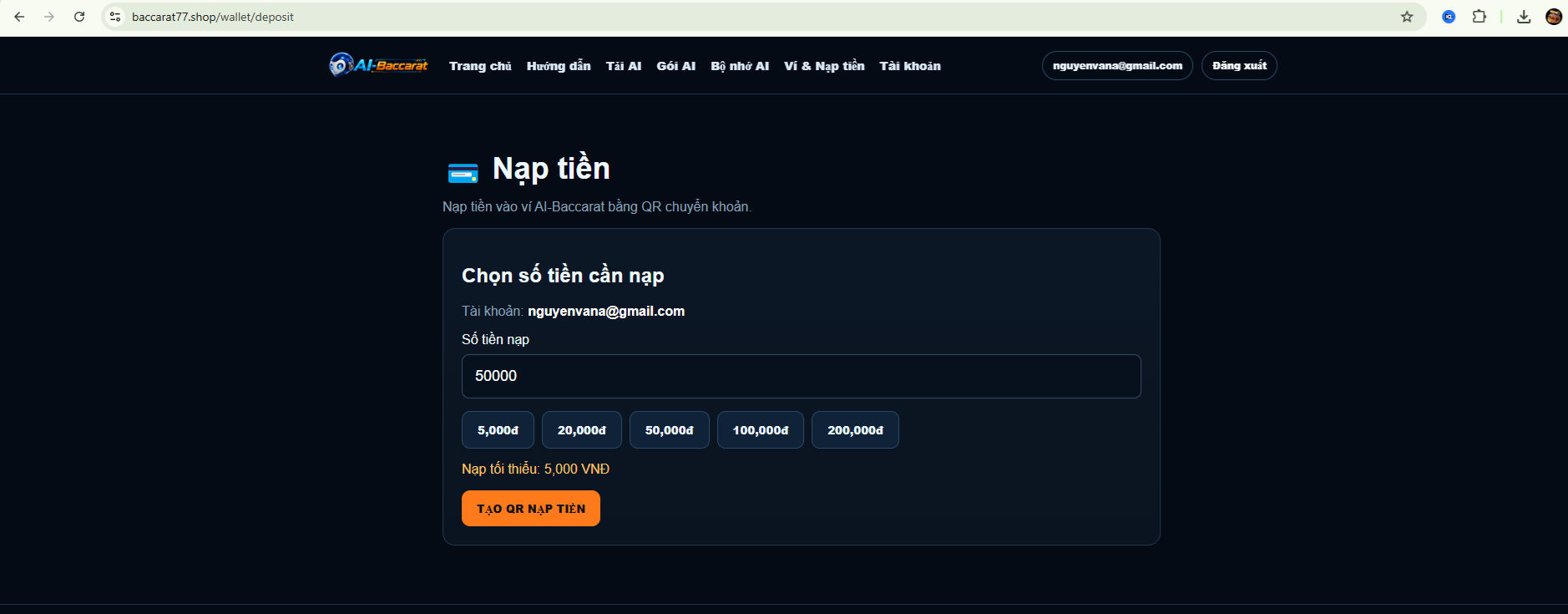
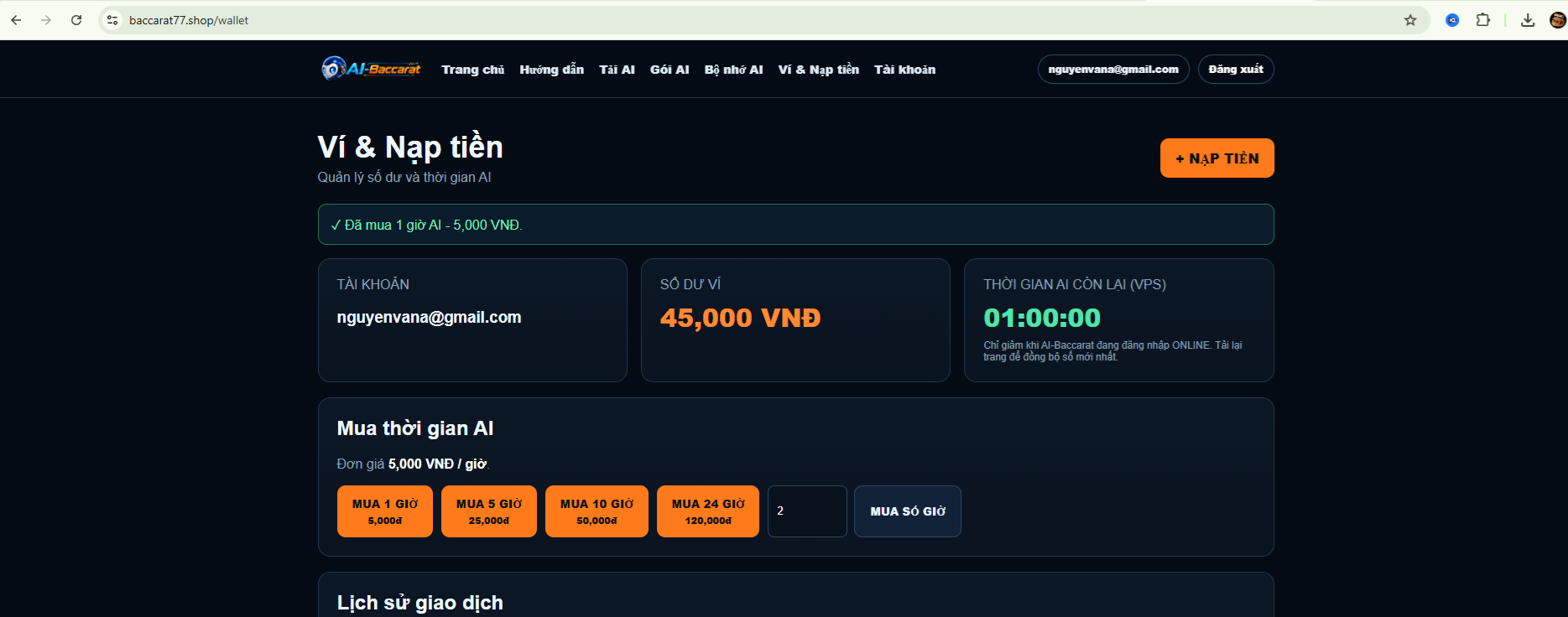
6. Top up your wallet
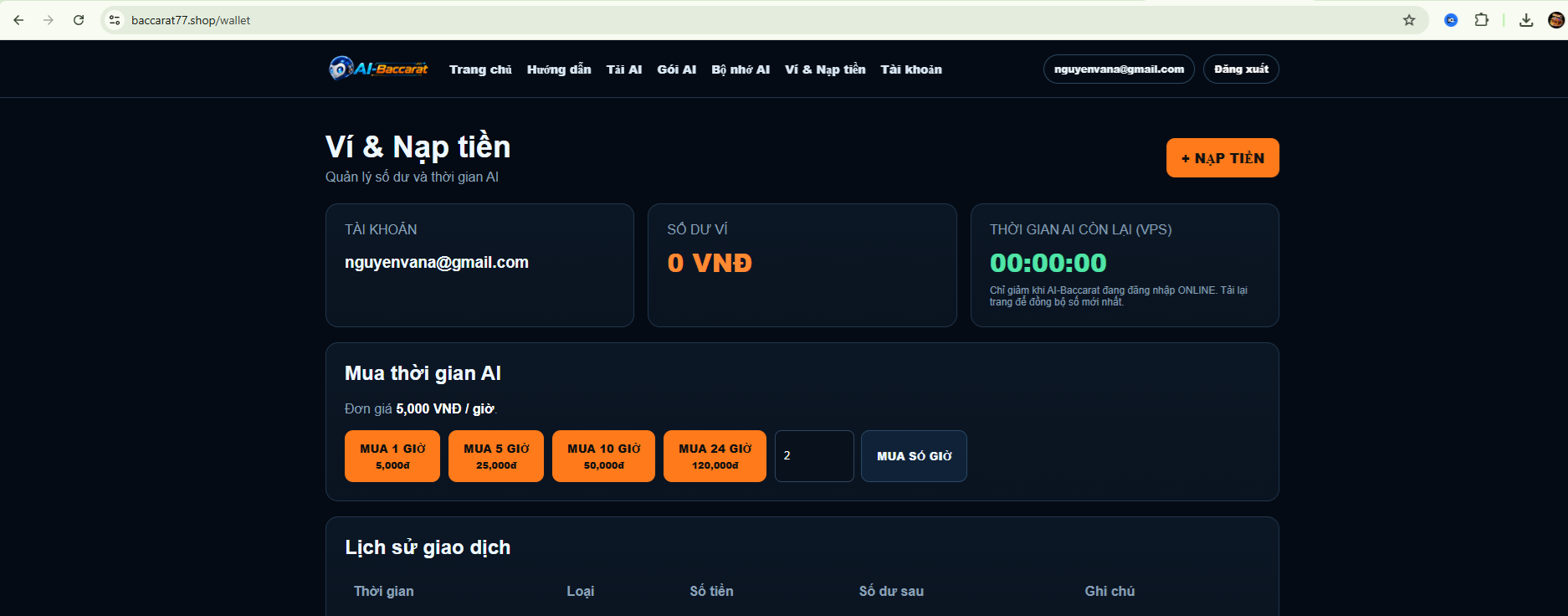
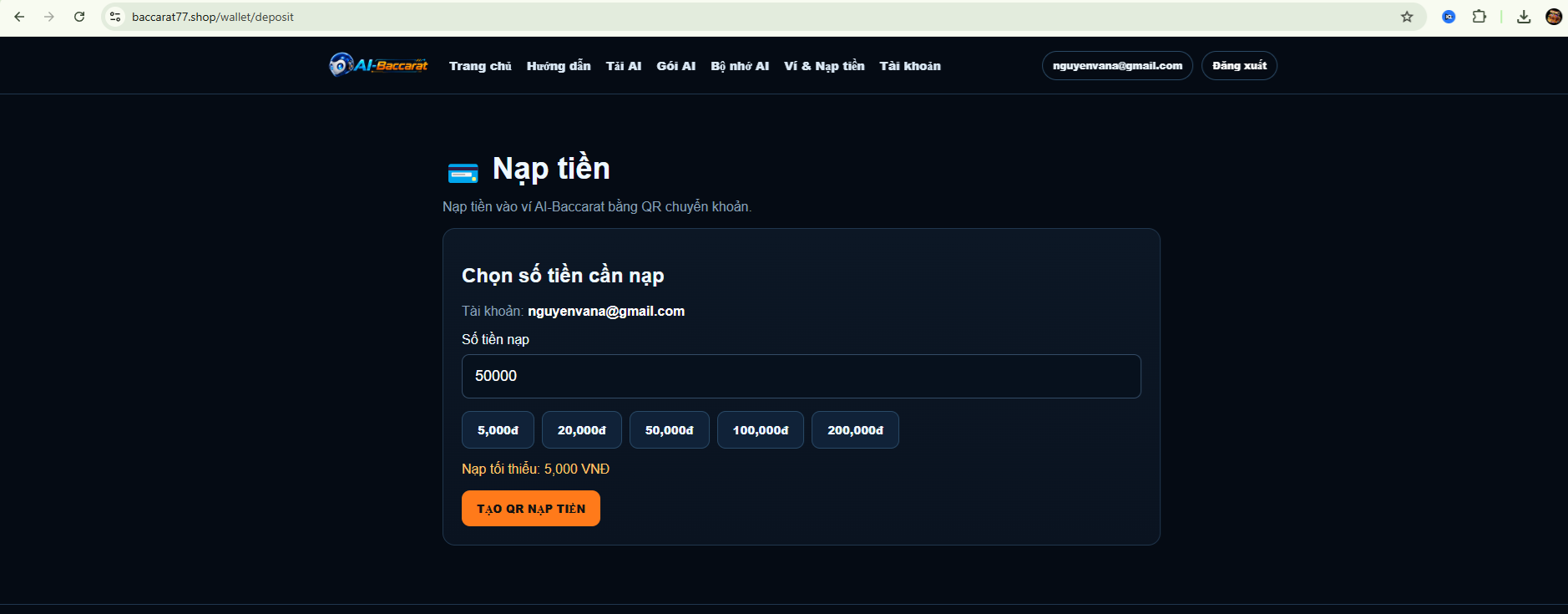
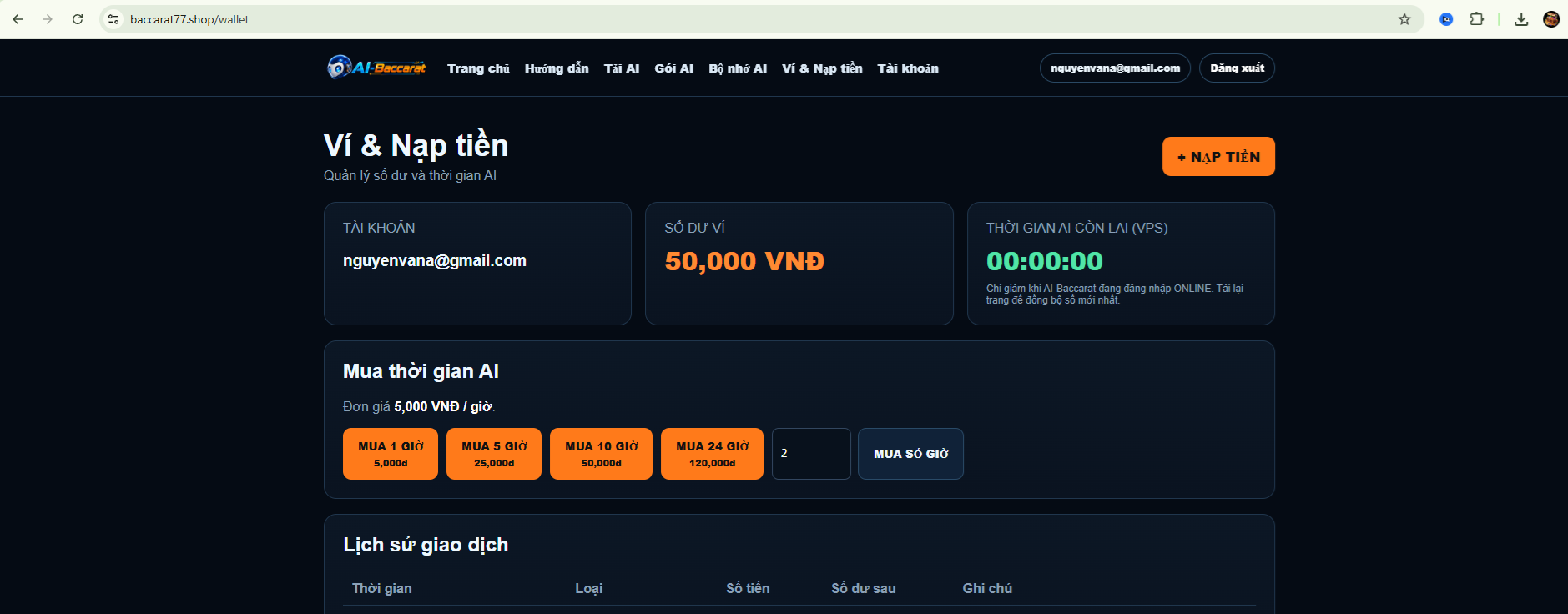
Log in to the website and open Wallet & Top Up.
Use one of the payment methods currently supported by the website.
After the transaction is confirmed, the balance will appear in your account.
7
Purchase AI Usage Time
Use your wallet balance to purchase AI usage time.
Purchase AI Usage Time
Use your wallet balance to purchase AI usage time.
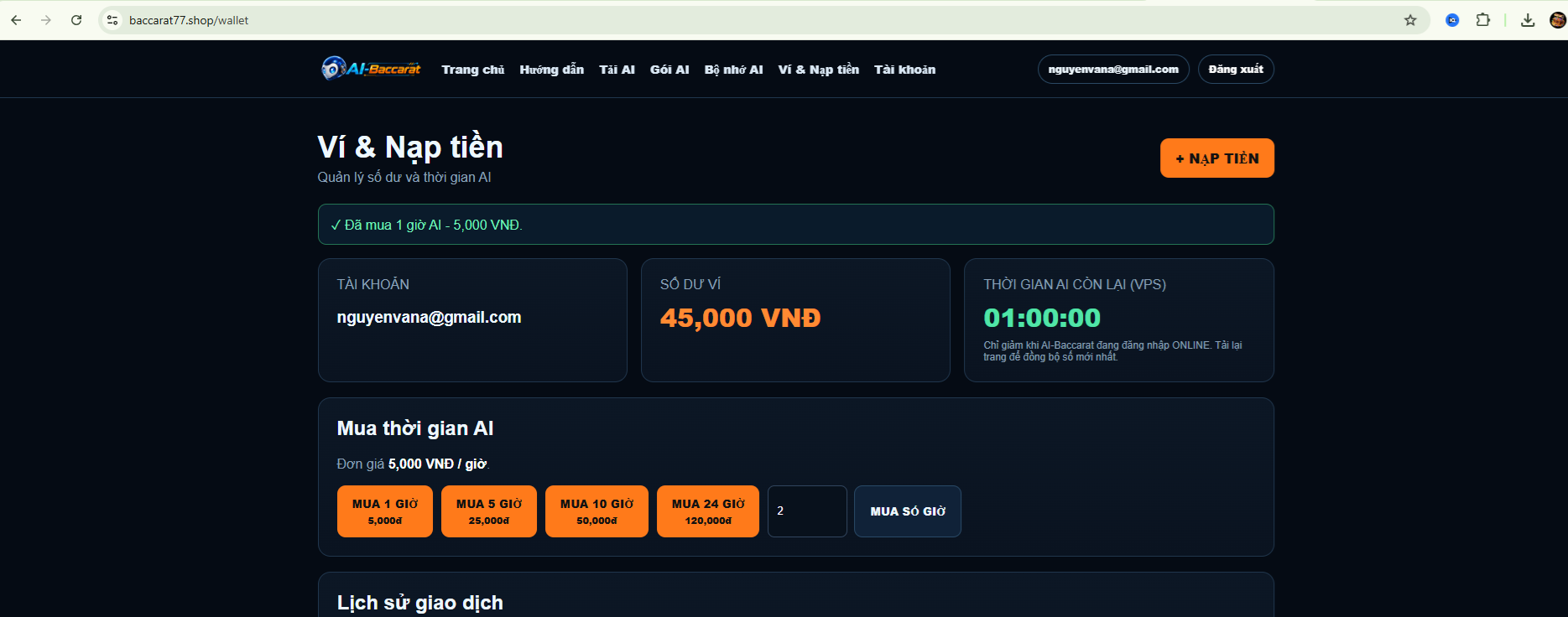
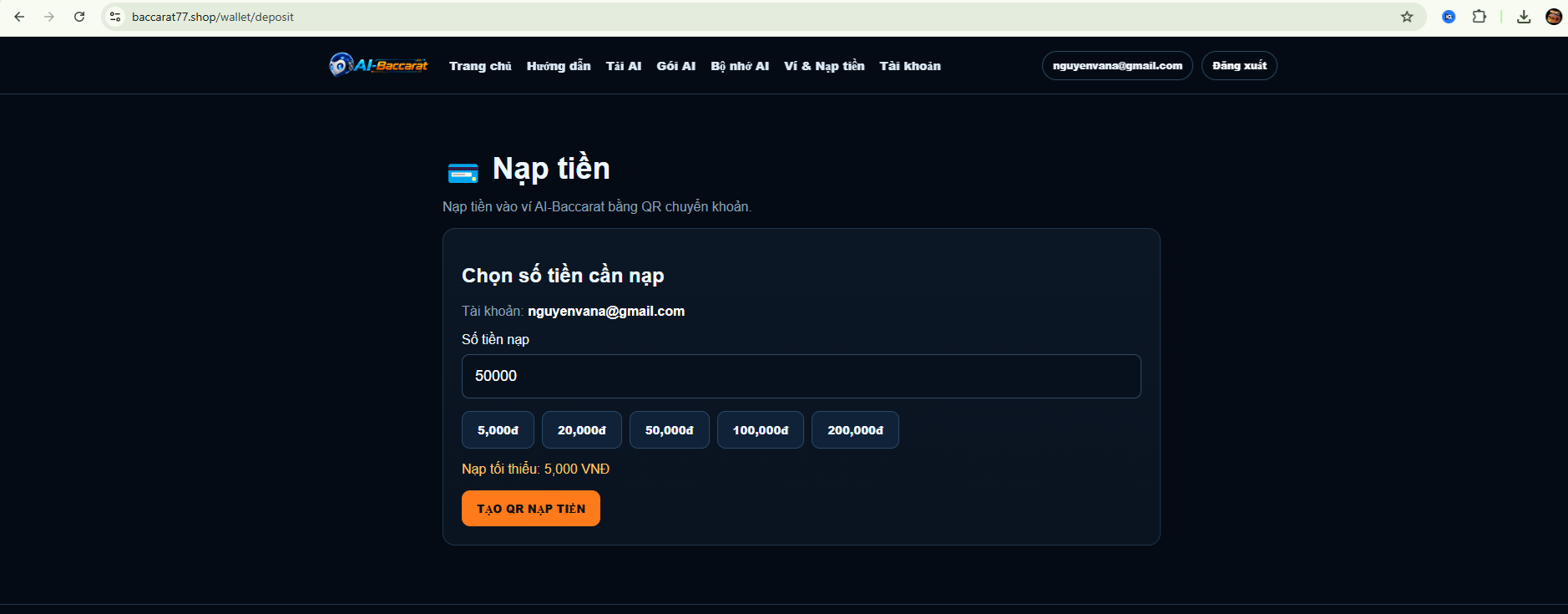
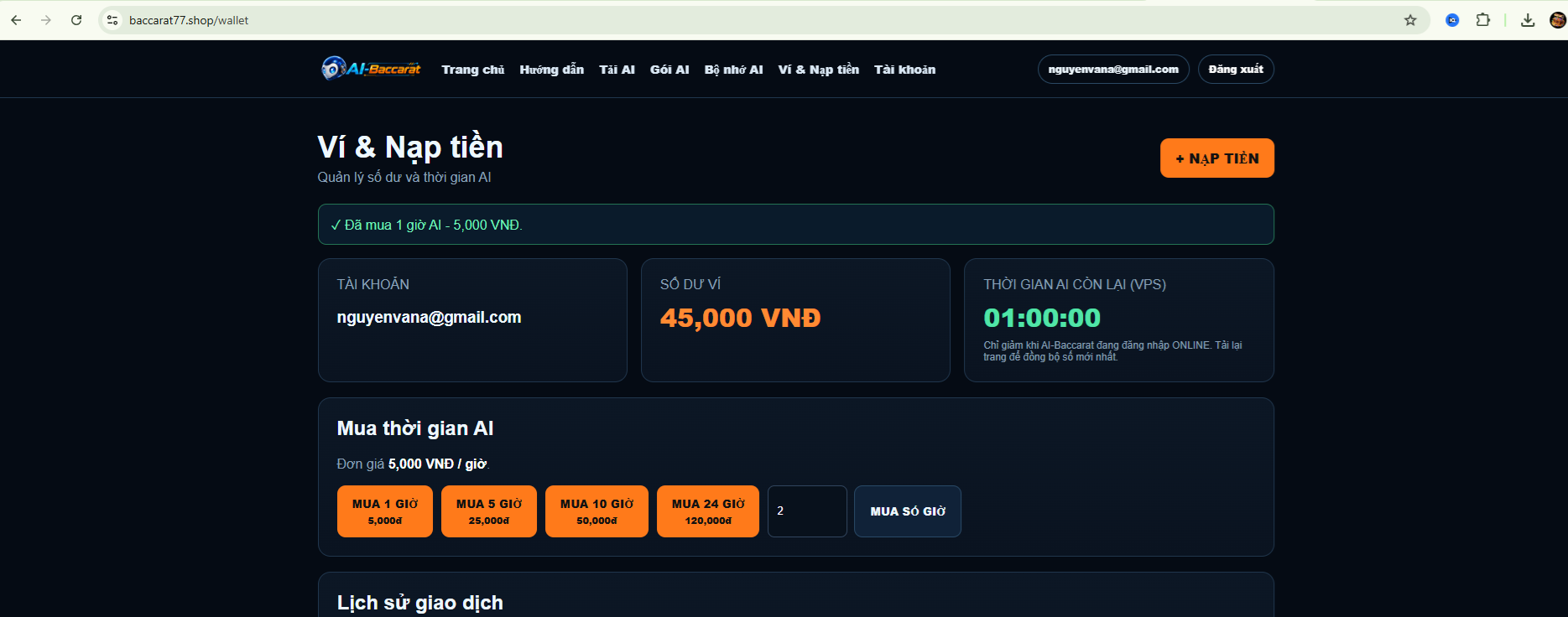
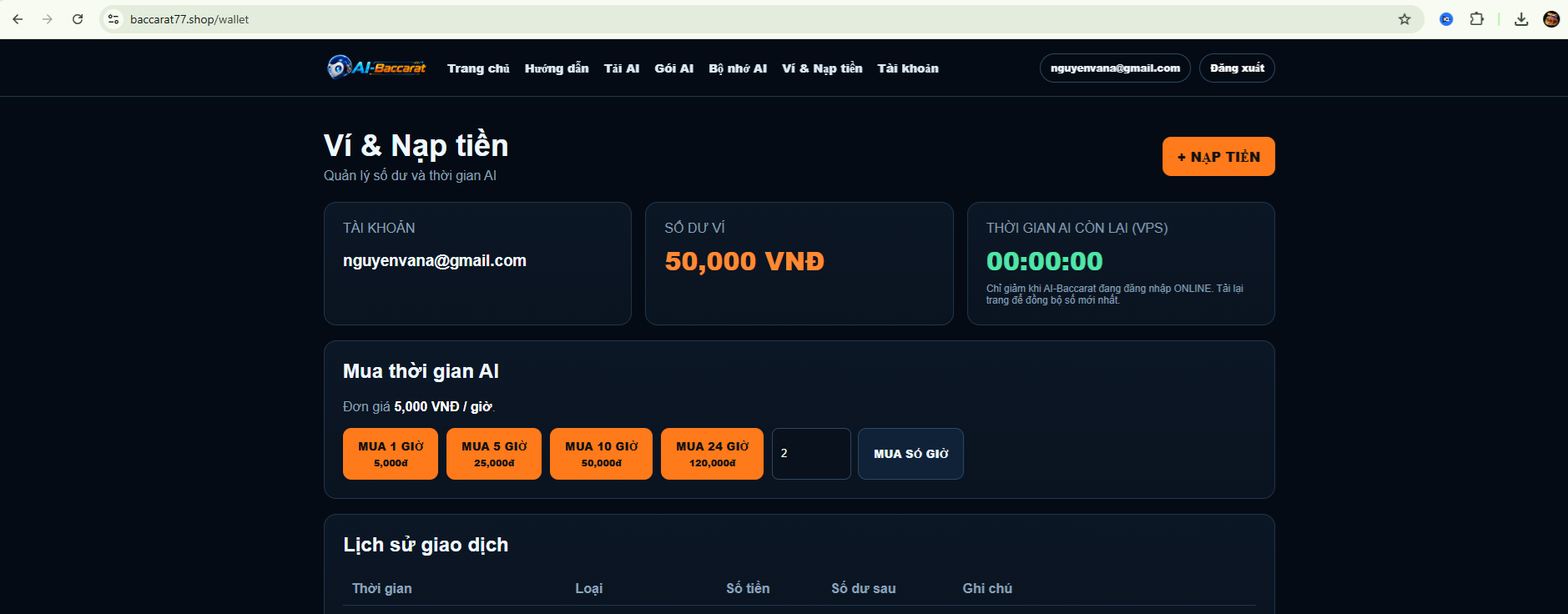
7. Purchase AI time
Open AI Plans.
Select the number of hours you want to use.
The system will deduct the amount from your wallet and add the purchased time to your account.
Your remaining AI time can be viewed directly in AI-Baccarat.
8
Download AI Memory
Download the Memory Pack that fits your needs.
Download AI Memory
Download the Memory Pack that fits your needs.
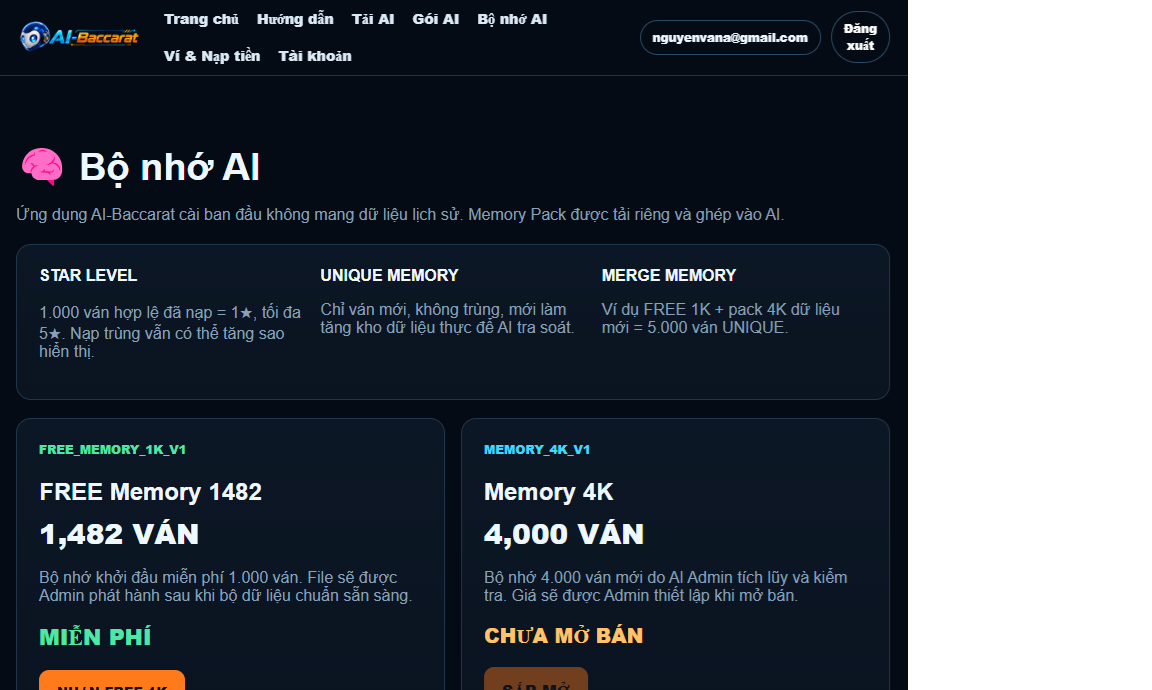
8. AI Memory
Open AI Memory on the website.
Select a suitable Memory Pack and download it to your computer.
AI Memory contains data used by the system for review and analysis.


9
Import Memory into AI-Baccarat
Import the downloaded Memory file into the application.
Import Memory into AI-Baccarat
Import the downloaded Memory file into the application.
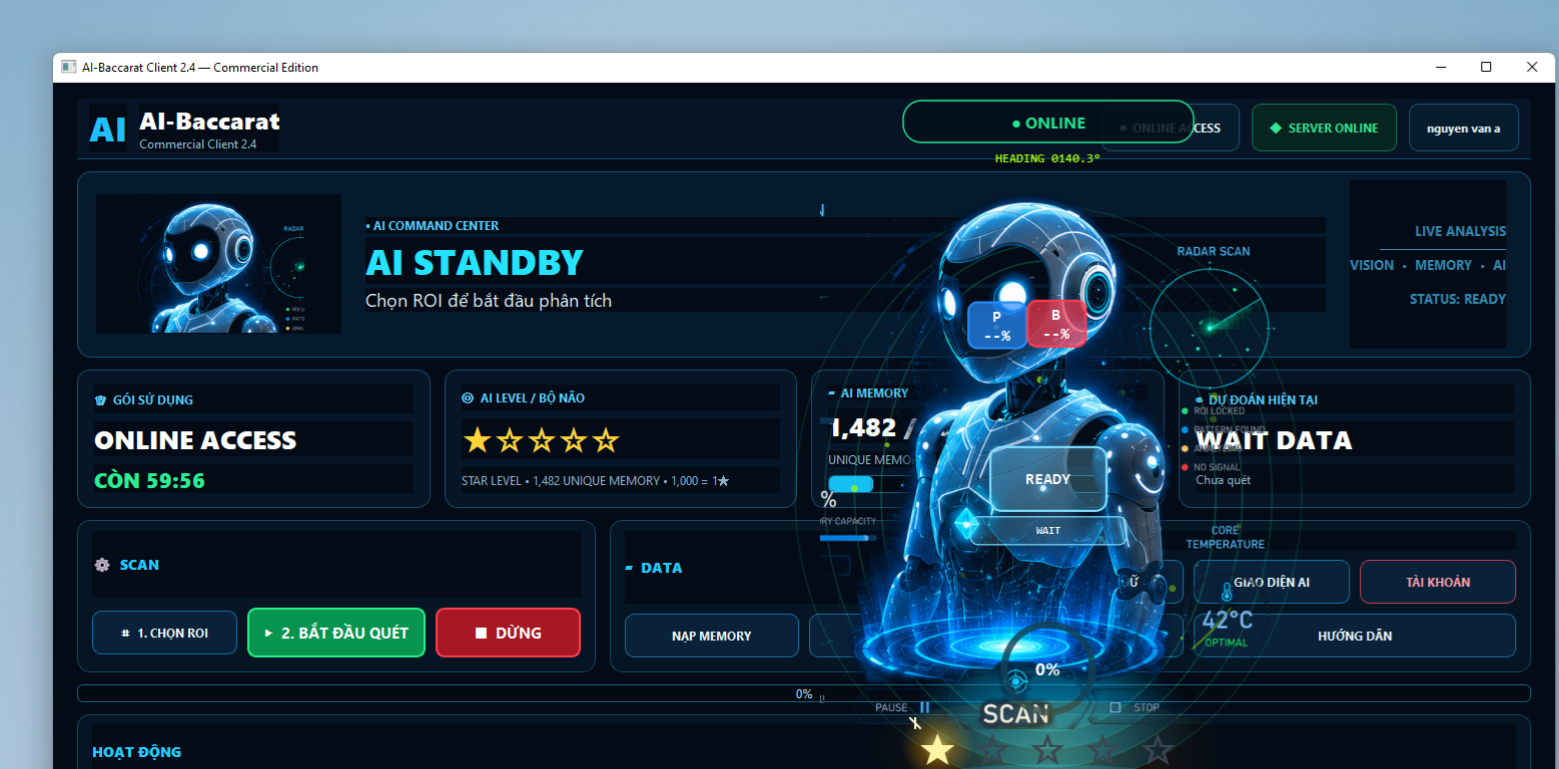
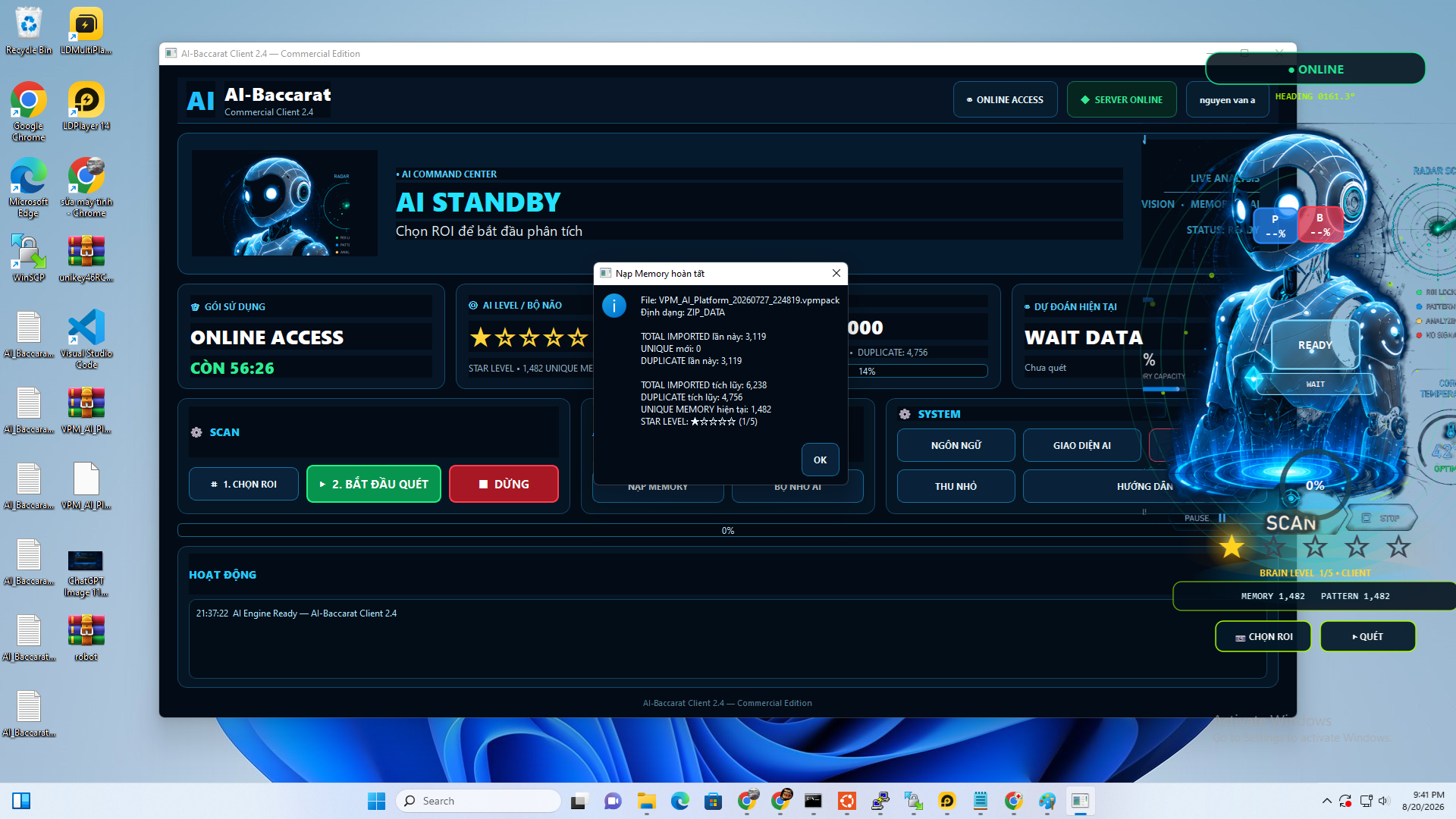
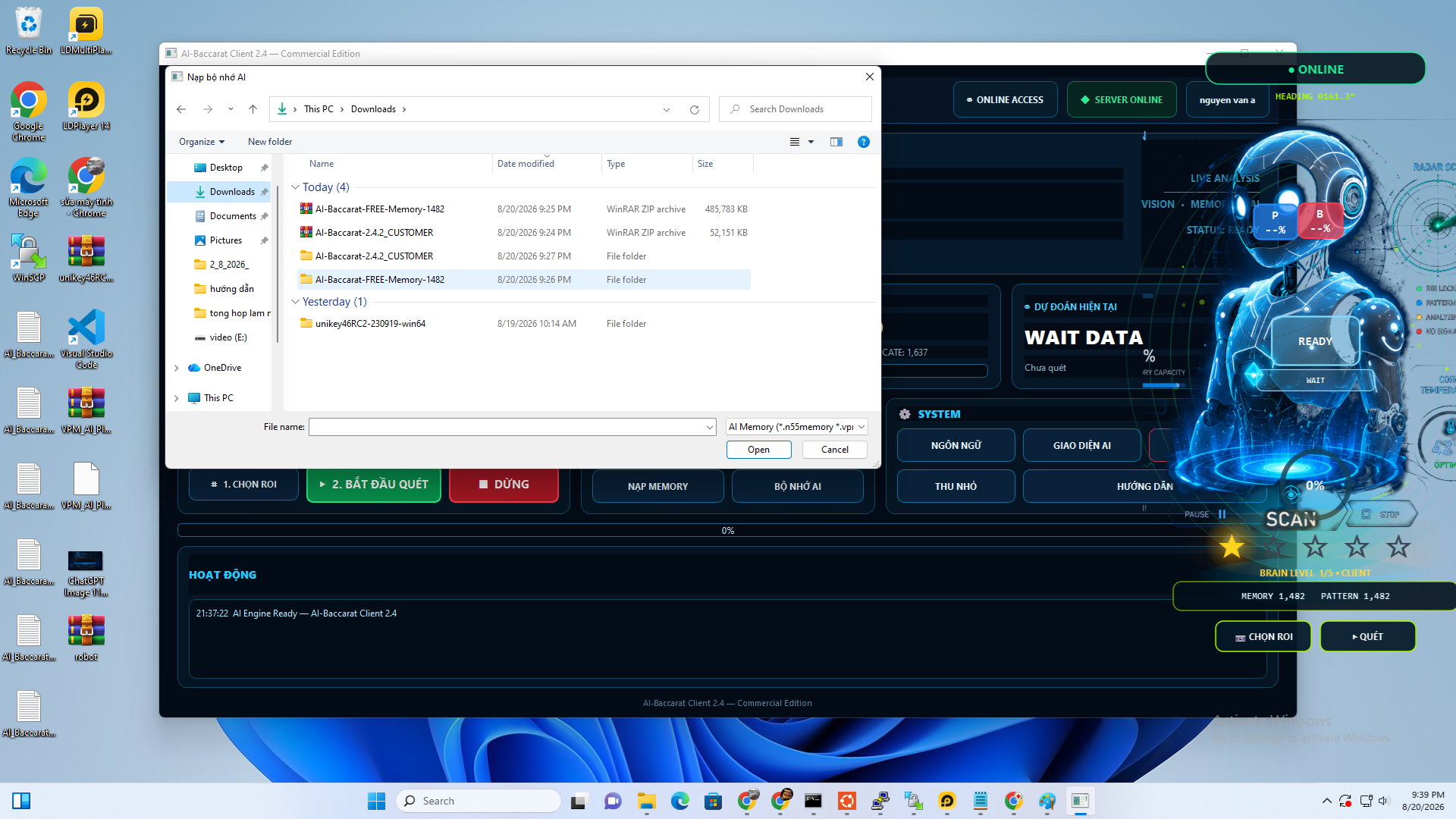
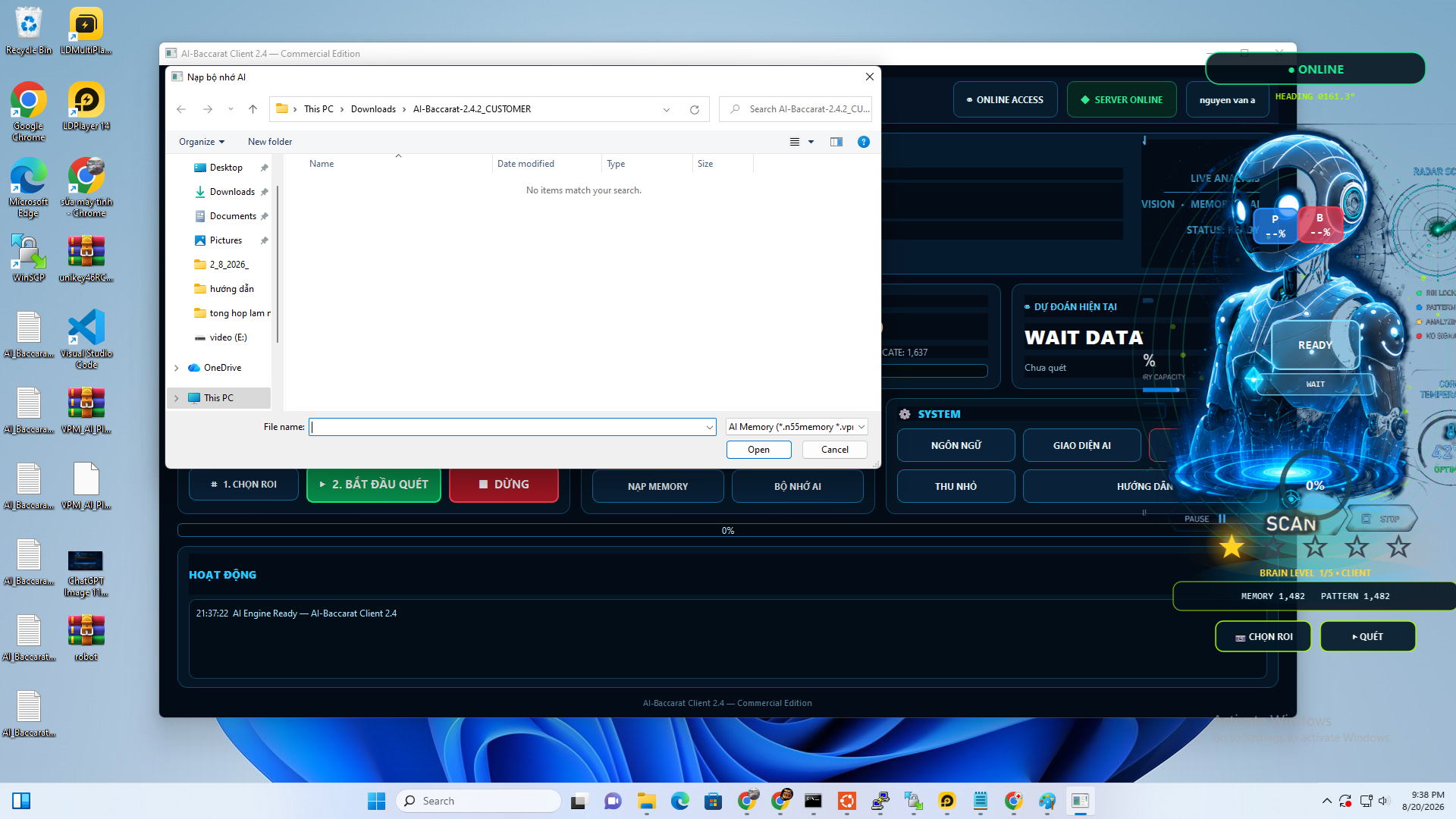
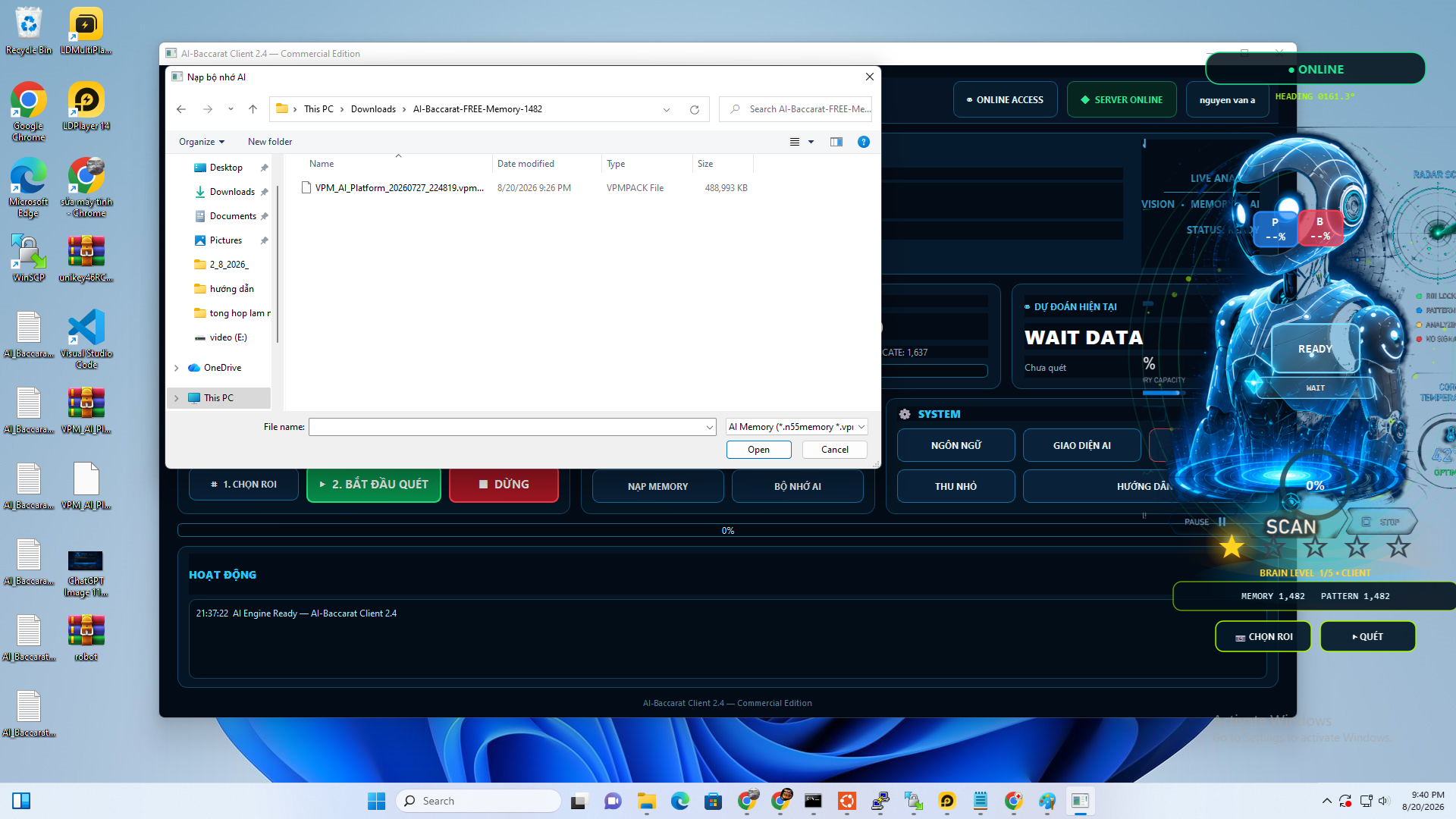
9. Import Memory
In AI-Baccarat, select AI Memory.
Select the Memory file you downloaded.
The application will check new and duplicate data before updating the Memory database.
When the process is complete, verify the Memory statistics on the interface.
10
Select the ROI Area
Select the screen area that AI will read.
Select the ROI Area
Select the screen area that AI will read.
10. Select ROI
Click 1. SELECT ROI.
Use the mouse to draw around the exact data area that AI needs to read.
The ROI should cover the complete data table while excluding unrelated screen areas as much as possible.
Suggested illustration: screenshots before and after selecting the ROI.
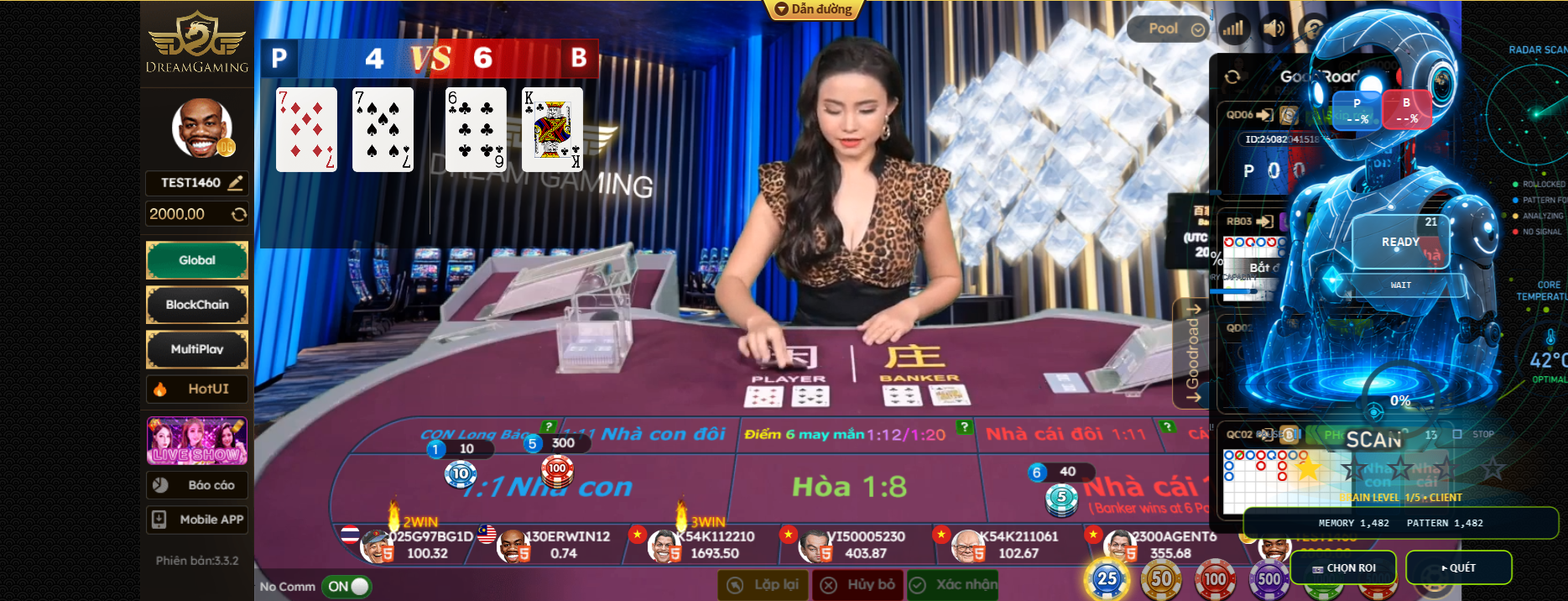

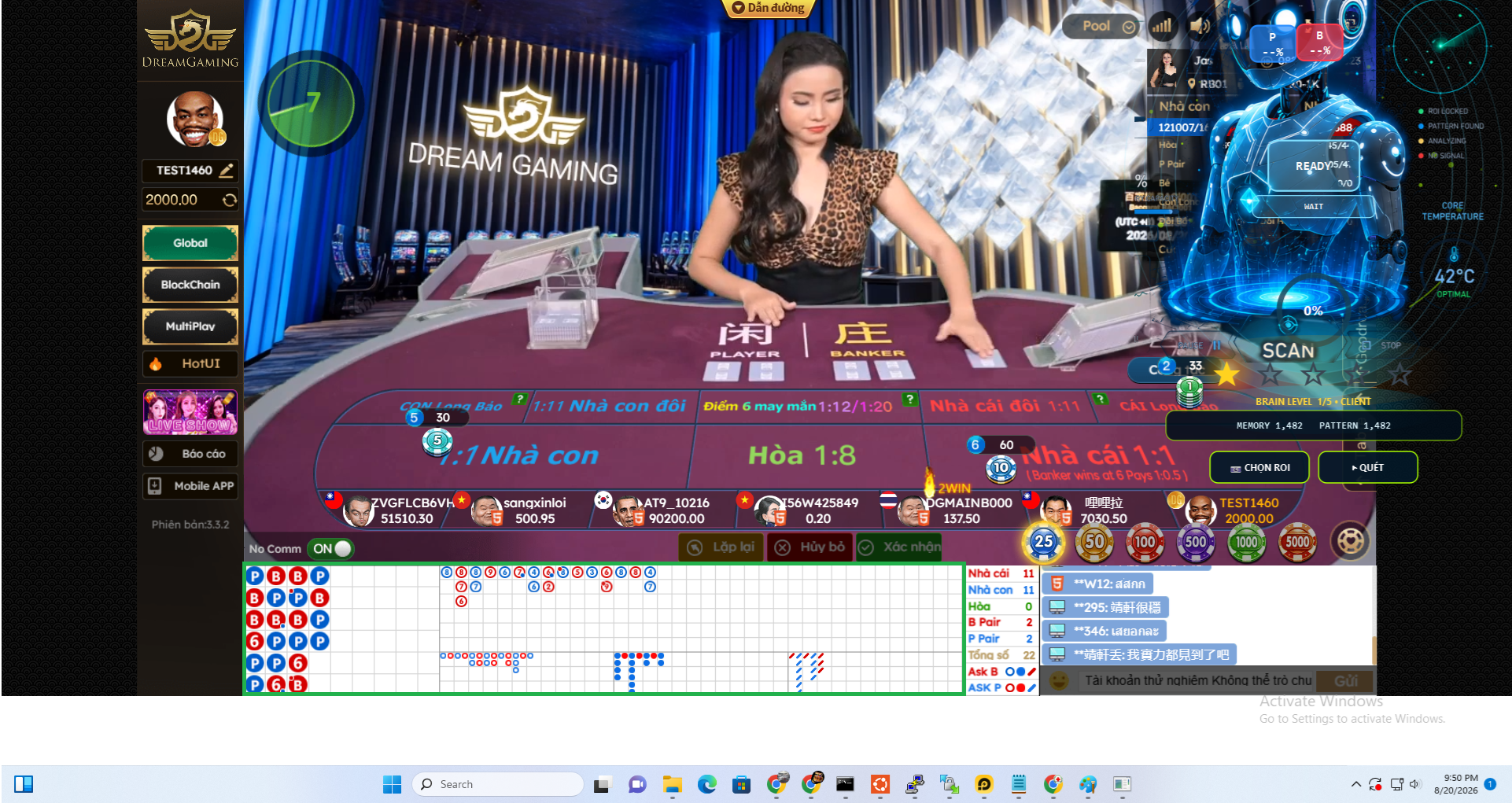
▶ AI-Baccarat in Practice 2026 | How AI Scans ROI and Analyzes Data
11
Start Scanning and Analysis
Start the data-reading and analysis process.
Start Scanning and Analysis
Start the data-reading and analysis process.
11. Start scanning
After selecting the ROI, click 2. START SCAN.
AI-Baccarat will read the data inside the selected area and perform its analysis steps.
Do not move the application window or source data area while scanning unless you select the ROI again.
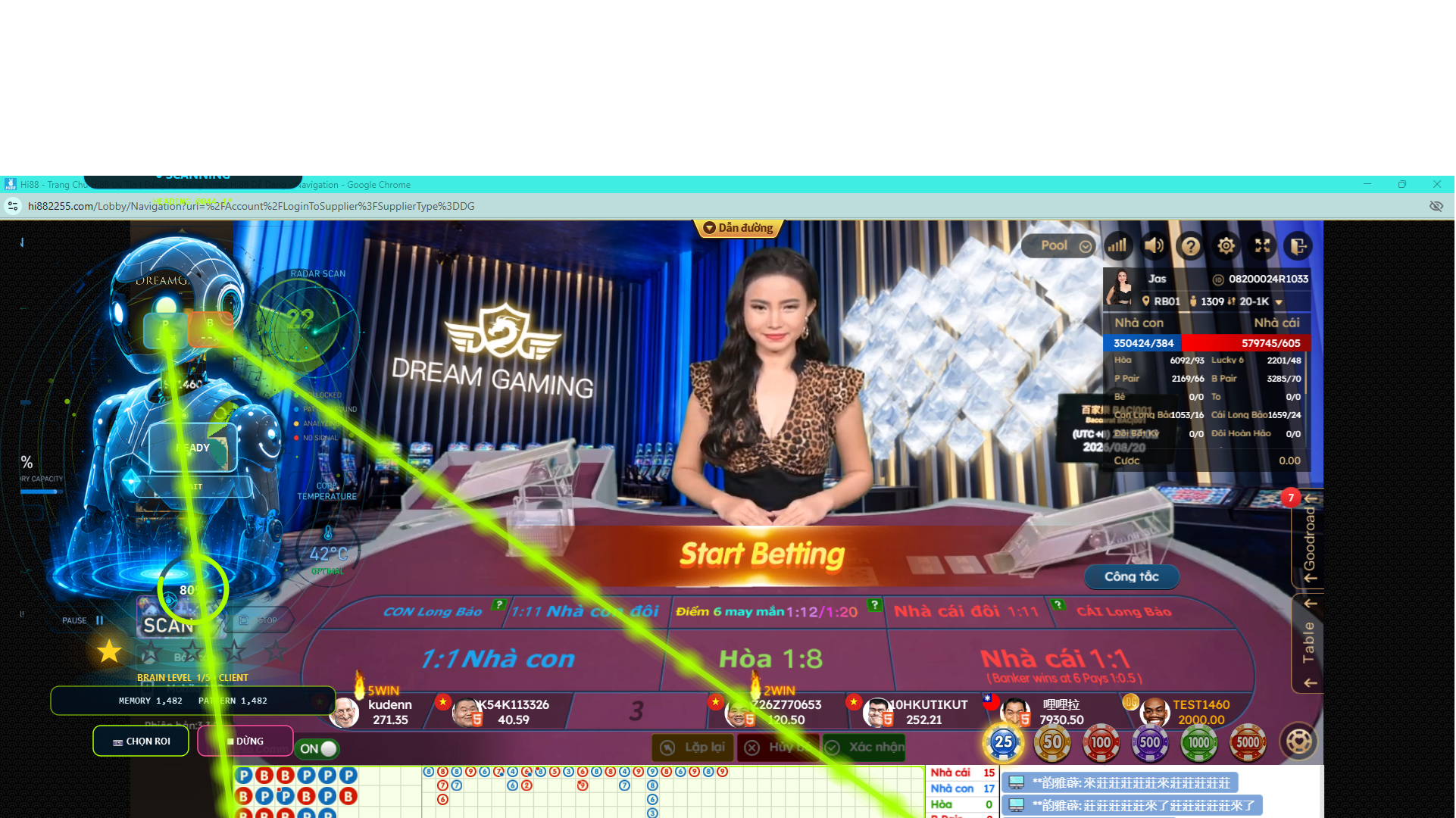

▶ AI-Baccarat in Practice 2026 | How AI Scans ROI and Analyzes Data
12
Read Results and Check System Operation
Understand ONLINE, Memory, Star Level and analysis results.
Read Results and Check System Operation
Understand ONLINE, Memory, Star Level and analysis results.
12. Read the results
When the system is operating normally, the interface will display ONLINE.
The Memory area shows the current amount of memory data.
Star Level reflects the memory level based on valid imported data.
The prediction/analysis area updates after AI has read enough required data.
If the application displays WAIT DATA, check the ROI and the data shown on screen.
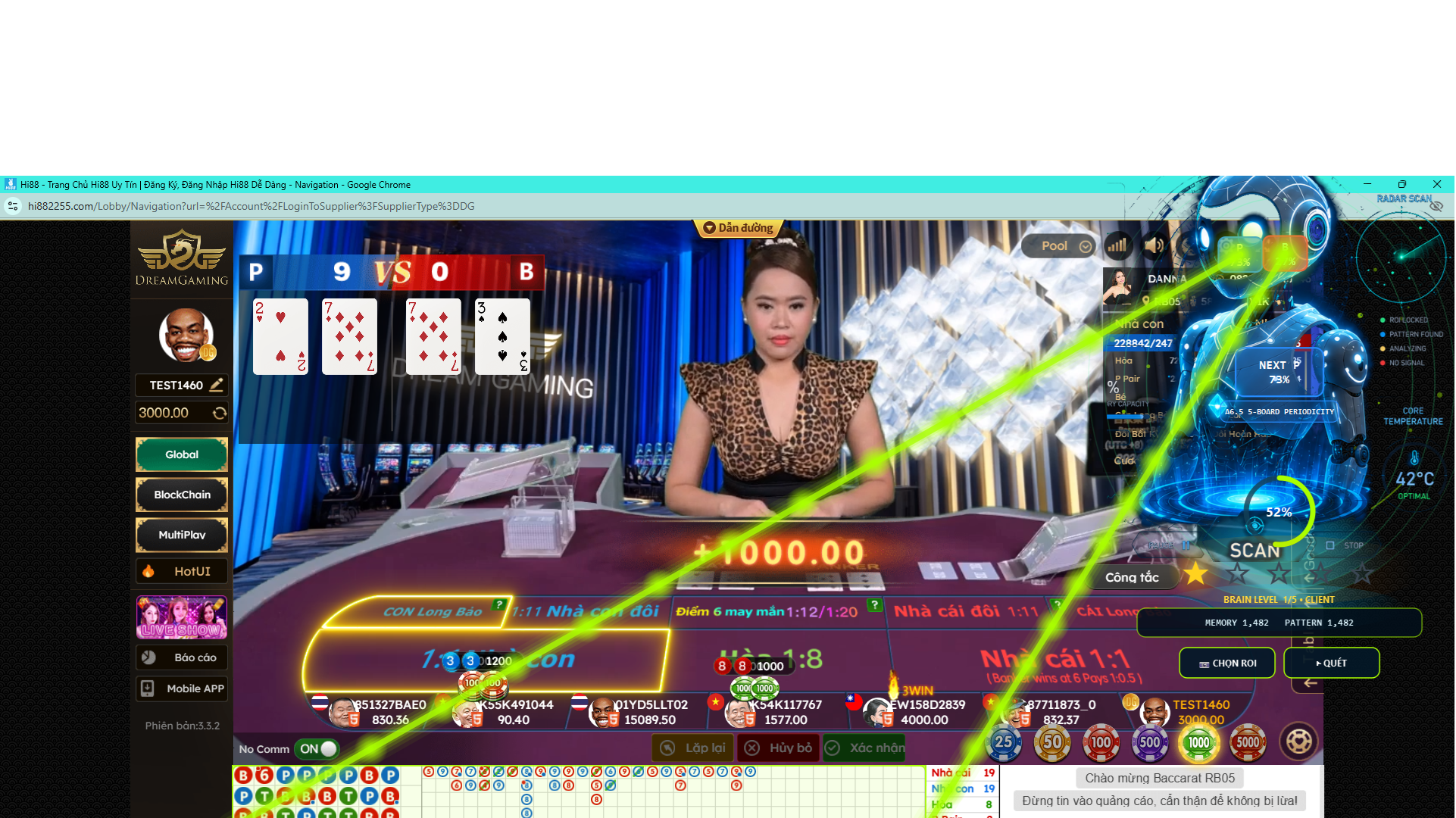
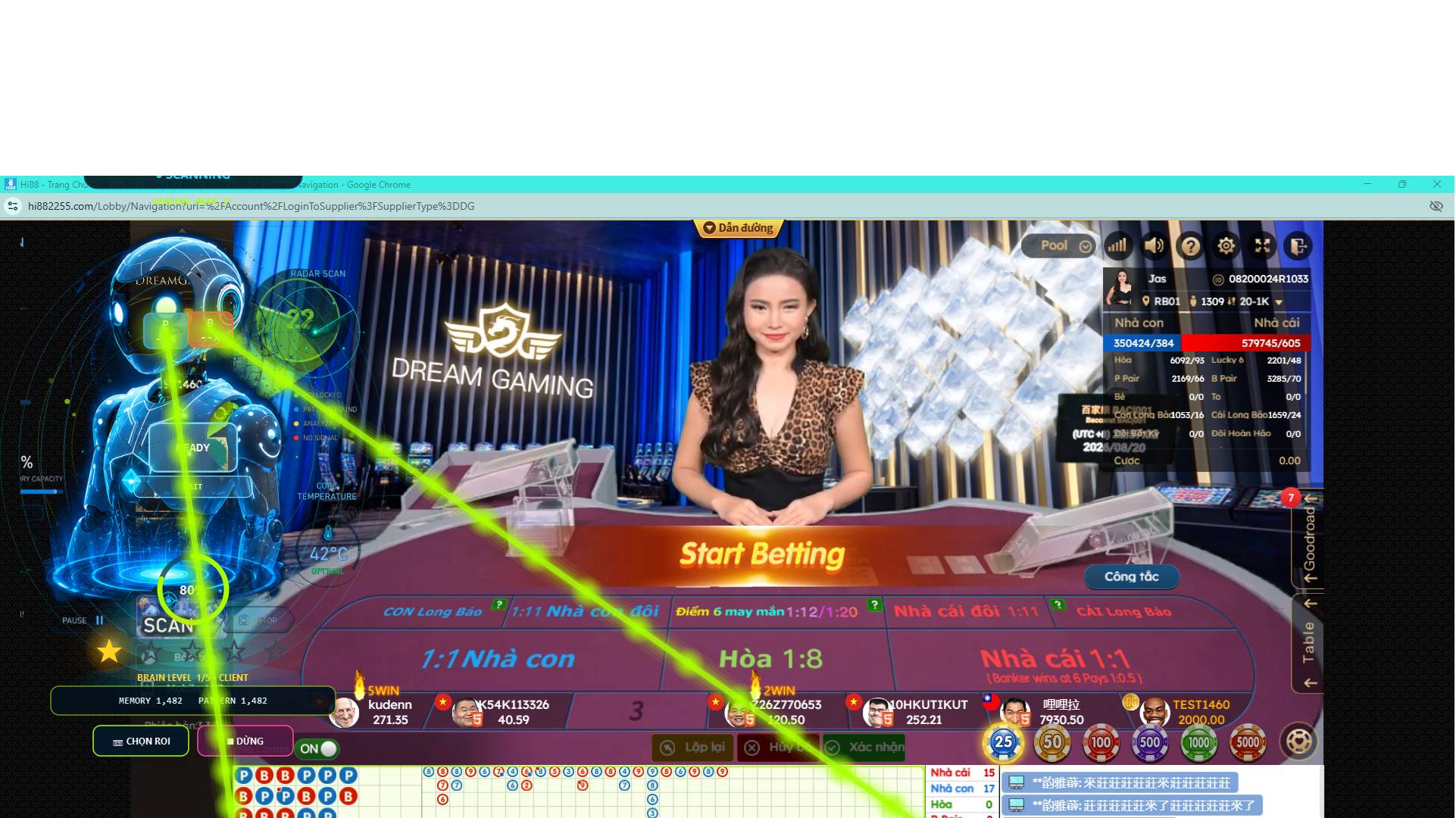
▶ AI-Baccarat in Practice 2026 | How AI Scans ROI and Analyzes Data
Lưu ý
AI-Baccarat là công cụ phân tích dữ liệu và thuật toán. Kết quả phân tích chỉ mang tính tham khảo.